
For Maryland viewers with a Samsung or LG television, IBO Player is a name that turns up in many setup guides, usually alongside a request to activate the app on a website. Search for that website and the results fill with domains that all carry the IBO name, several of them describing themselves as official.
This page sets out what can actually be verified about IBO Player: what the app is, what its App Store listing and its operator’s own notice establish, which sites that notice disowns, and what cannot be confirmed from outside. For how players like this fit the wider category, see our guide to IPTV apps and how to check one.
IBO Player is a media player, not a TV service. Its App Store listing names the developer as ibrahim akoum and links to iboiptv.com, and the operator’s notice identifies iboiptv.com as its only official website and names iboplayer.org and iboplayer.net as fake. The app offers a trial, then requires paid activation. Many other sites and store listings use the IBO name without a verifiable link to that operator.
What IBO Player Is
IBO Player is a playlist player with an unusual business model, and the model explains most of the confusion around it.
A Player That Requires Activation, Not a TV Service
The IBO PLAYER listing on Apple’s App Store describes a seven-day trial for new users, after which the app is activated through a purchase. The operator’s website describes the same arrangement: a trial on installation, then a license purchase to keep using the app, with no refunds after purchase. This site does not publish prices.
How the App Connects to a Playlist
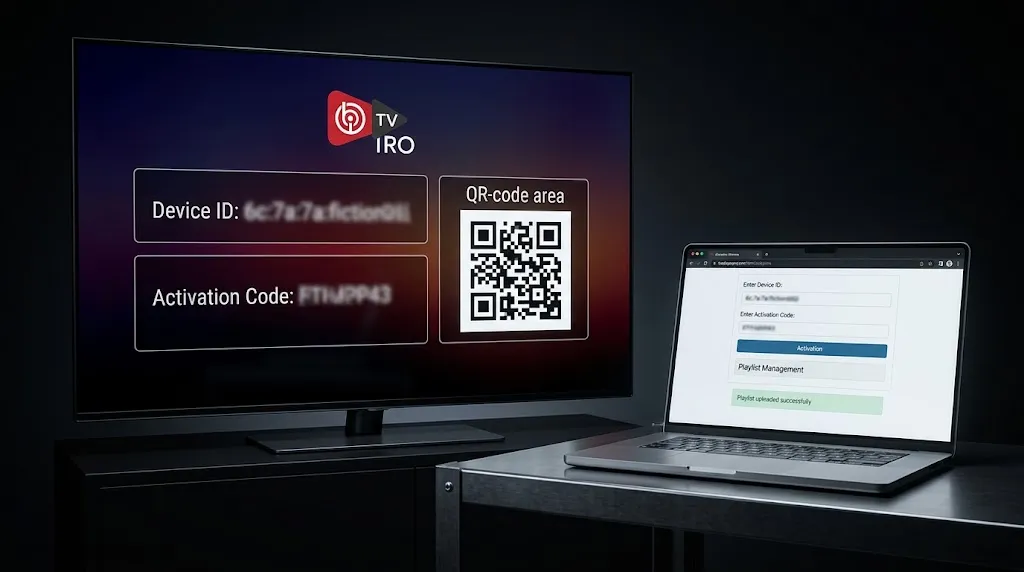
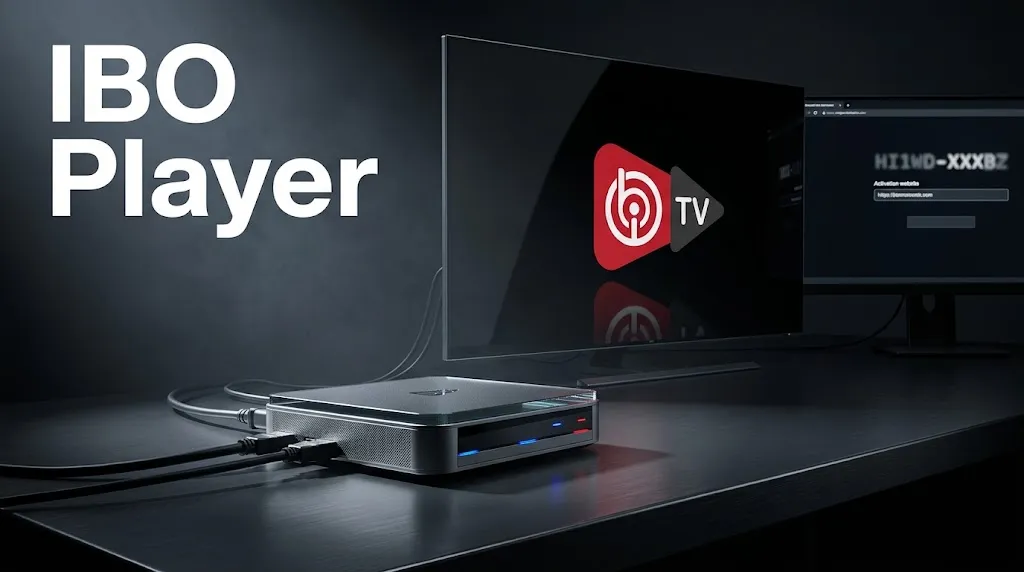
IBO Player separates the app from its playlist. The TV or device shows an identifier on screen; the App Store version history notes that the MAC address was added to the app’s splash screen. The playlist itself is added through a website rather than typed on the TV. The App Store listing directs users to upload their playlist through a login page on iboiptv.com.
That design spares viewers from typing long addresses with a remote. It also means a viewer is entering their device’s identifier on a website, which is exactly why knowing which website belongs to the operator matters. Step-by-step setup is a separate subject from identifying the app.
What It Does Not Provide
The App Store listing states that the app does not include any list or channels, that users must upload their own content, and that the app has no collaboration or affiliation with any third party that supplies content. The operator’s notice says the same in fewer words: IBO Player is a general media player that includes no content or playlists and does not sell playlists or subscriptions.
A page that sells channels together with an IBO activation is therefore not describing the operator’s product. Whether a particular source is licensed is a separate question from the player, and this site does not name, rank or recommend subscription services, for the reasons set out in our DMCA disclaimer.
What Can Be Established About Who Makes It
The evidence falls into three levels: what a store verifies, what the operator says about itself, and what cannot be confirmed from outside.
What the App Store Listing Shows
The App Store listing provides the clearest public record available for the Apple version. It names the developer as ibrahim akoum and gives iboiptv.com as the developer website. It lists support for iPhone, iPad, Mac and Apple TV. The same developer account also publishes an app called Ibo Player Pro, which matters in the look-alike section below.
The listing’s privacy section records the developer’s declaration that no data is collected from the app. Apple notes on the listing that this information has not been verified by Apple, so it is reported here as the developer’s statement.
What the Developer’s Own Notice Says
The operator publishes a notice on its developer page, and the same text also appears on a page under the iboplayer.com domain. The notice states that iboiptv.com is the only official website and that any website using the IBO Player name is fake. It says IBO Player has no social media accounts, so any account using the name is not the operator’s. And it names two domains as known scam or fake websites whose transactions the operator will not be responsible for: iboplayer.org and iboplayer.net.
The second of those, iboplayer.net, presents itself under the heading “IBO PLAYER OFFICIAL ACTIVATION.” That is the clearest example of why the name alone settles nothing.
What Cannot Be Confirmed From Outside
Two things cannot be verified independently. The operator’s notice says it has published apps on the Samsung and LG TV stores and on Google Play. Samsung publishes some of its TV app listings on the web, but no web listing for IBO Player on Samsung’s or LG’s stores could be found and matched to the operator during research for this page, so which TV-store listing belongs to the operator cannot be confirmed from outside.
On Google Play, at least four listings use the IBO name under different package identifiers, and none of them could be tied to iboiptv.com during research for this page.
For a viewer, the practical consequence is simple. Whatever the app on your TV is called, the website it sends you to for activation is the detail to check against the operator’s notice.
Other Apps and Websites Using the IBO Name
Beyond iboiptv.com and the two domains the operator names, the IBO name turns up across a wide range of sites and store listings.
Websites Using the Name
During research for this page, at least eight other domains offered activation pages, device licenses, downloads or guides under the IBO Player name or a close variant, several of them describing themselves as official. Some list prices; at least one is run by a business selling subscriptions, which offers to load its service onto the viewer’s device through a messaging app.
This page does not name those domains or call them fake. The operator’s notice makes its own claim, that only iboiptv.com is official, and viewers can weigh any site against that statement. What the evidence supports is narrower: a site using the IBO name, even one that calls itself official, is not necessarily the operator’s.
IBO Player Pro and Other Store Listings

The name “IBO Player Pro” adds another layer. The App Store developer behind IBO PLAYER also publishes an app called Ibo Player Pro, while a separate App Store listing titled ibo Pro Player covers iOS and tvOS. On Windows, the Ibo Player Pro listing on the Microsoft Store gives its developer website as iboproapp.com, a different domain from iboiptv.com, and describes a one-week trial followed by device activation. Roku’s Channel Store carries several channels named Ibo Player Pro, including regional variants, which ask users to upload their playlist on a website.
Whether any of these belong to the same operator as IBO PLAYER cannot be established from their listings alone, apart from the App Store account that publishes both names. Each has its own publisher line, and that line is the thing to read.
Where IBO Player Is Declared to Run
Some of IBO Player’s platform support is verified by a store, and some is only declared by the operator. The two are reported separately here.
Samsung and LG Smart TVs
Guides for these televisions mention IBO Player often, and the operator’s notice says it has published apps on the Samsung and LG TV stores. No public web listing on either TV store could be matched to the operator during research for this page. The check that remains available is the activation website the app displays.
Apple Devices
Here the support is verified. The App Store listing covers iPhone, iPad, Mac and Apple TV, published by the developer account that links to iboiptv.com.
Android and Fire TV
The operator says it publishes on Google Play, but none of the IBO-named Google Play listings found during research could be tied to iboiptv.com. On Fire TV, the guides reviewed for this page describe installing IBO apps from outside the Amazon Appstore, and newer Fire TV Sticks running Amazon’s Vega OS do not run Android apps at all, so check which system a specific model runs.
Some of these platform claims cannot be independently matched to a public store listing, so they are reported as declared support rather than verified listings.
Conclusion
IBO Player is a media player that requires activation, and it supplies no channels. What can be verified is narrow but clear: the App Store listing names ibrahim akoum as the developer and links to iboiptv.com, and the operator’s notice calls iboiptv.com its only official website while naming iboplayer.org and iboplayer.net as fake. Everything else using the IBO name, including the IBO Player Pro listings, should be treated as unconfirmed until its publisher line says otherwise.
Before entering a device identifier or paying for activation anywhere, compare the website against that notice. How IPTV reaches a home in the first place is covered in our overview of how IPTV works in Maryland, and for how to check any player the same way, return to our guide to IPTV apps. Every claim here is checked against a primary source, as described on our About page; if the App Store listing or the operator’s notice changes, let us know.
Sources
- Apple App Store — IBO PLAYER (developer: ibrahim akoum) — https://apps.apple.com/us/app/ibo-player/id1547652240 (accessed September 2026)
- IBO Player developer notice — https://app.ibo-dev.com/ (accessed September 2026)
- IBO Player — https://iboiptv.com/ (accessed September 2026)
- Microsoft Store — Ibo Player Pro — https://apps.microsoft.com/detail/9msnk97xpvrk?hl=en-US&gl=US (accessed September 2026)
- Roku Channel Store — Ibo Player Pro (Global) — https://channelstore.roku.com/details/8699762072e1eef4bc025098951df03d:3c93b597f1f5daea013677d9a1ca7de4/ibo-player-proglobal (accessed September 2026)
- PCWorld — The new Fire TV OS is for Amazon, not you — https://www.pcworld.com/article/3128166/the-new-fire-tv-os-is-for-amazon-not-you.html (accessed September 2026)