
If you are setting up live TV on an Android TV box or a Fire TV Stick in Maryland, TiviMate is one of the names you will meet. Search for TiviMate IPTV, though, and the results mix the official app with store listings that borrow its name, websites built around it, and guides that treat it as a TV service.
This page sets out what the developer itself says the app is, what its paid tier covers, where it runs, and how to recognize the real one. For how players like this fit into the wider category, see our guide to IPTV apps and how to check one.
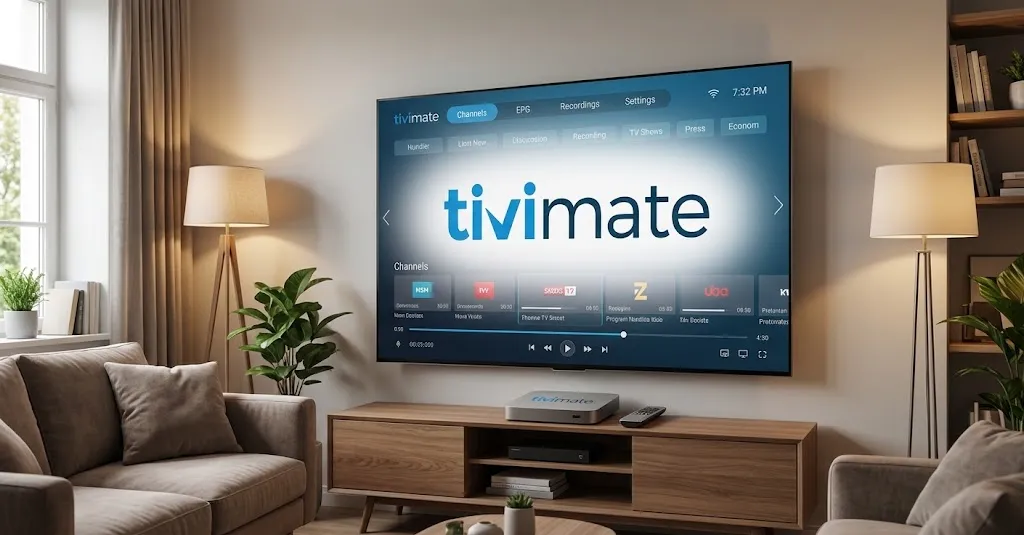
TiviMate IPTV Player is a media player published by Armobsoft FZE. According to its official listing, it supplies no channels or content, is not affiliated with any company that supplies content, and any paid upgrade adds app features only. The developer says it is designed for Android TV and remote navigation. Its separate Companion app is an account tool, not a player, and several look-alike apps and websites use the TiviMate name.
What TiviMate IPTV Is, and What It Isn’t
One question people search about TiviMate IPTV is whether it is a TV service. It is not, and the developer says so directly.
A Player From Armobsoft FZE, Not a TV Service
The official Google Play listing names Armobsoft FZE as the developer and links to tivimate.com as its website. The same listing states that TiviMate is a media player only and does not provide any content, that it is not affiliated with any company that supplies content, and that it does not endorse the use of illegal content sources. To watch anything, the listing says, you add your own playlists.
That answers several questions people search at once. TiviMate is not an IPTV service, so it cannot be a good or bad one; it has no channels of its own to be judged. What appears on screen depends entirely on the source a viewer adds. The general version of this idea, that every player is separate from the source it plays, is covered in the IPTV apps guide linked above; what matters here is that TiviMate’s developer puts it in writing.
What the Player Does, in the Developer’s Words
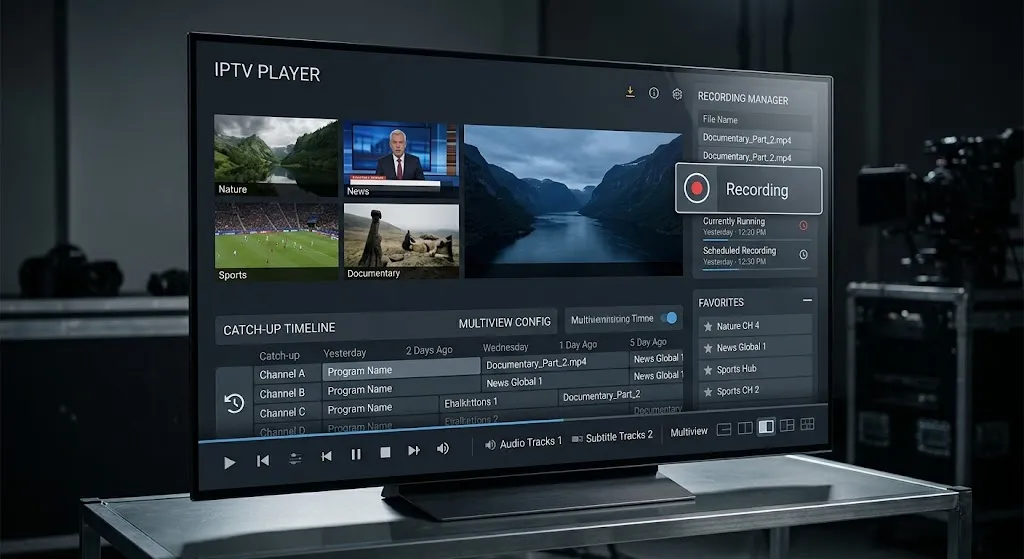
The listing describes the following, and each item is the developer’s own claim rather than an assessment:
| Feature | How the developer describes it |
|---|---|
| Playlist formats | M3U, Xtream Codes, Stalker Portal |
| TV guide | A program schedule in a grid |
| Multiple playlists | Manage and switch between playlists |
| Favorites | Bookmark channels |
| Catch-up | Access past broadcasts |
| Recording | Record shows to watch later |
| Search | Find channels and shows |
| Parental controls | Manage access |
| Multiview | Several channels on one screen |
The developer also describes the interface as tailored for large screens. None of these features supplies anything to watch. If a stream stalls, the player is only one of several places to look, and how much headroom a Maryland connection needs is a separate question worth checking.
Premium, and the App That Isn’t a Player
TiviMate has a paid tier, and the way it is sold confuses a lot of first-time users.
What the Developer Says Premium Covers
The Google Play listing carries a “Digital Purchases” label, and its content statement ends with a precise sentence: any paid subscription or premium upgrade adds application features only, and does not include or provide access to any channels, streams or media. The same sentence appears on the subscription page of the developer’s own website.
In other words, paying for TiviMate changes what the app can do. It never changes what there is to watch.
TiviMate Companion Is an Account Tool
Alongside the player, the same developer publishes a second app, TiviMate Companion. Its listing says, twice, that it is not an IPTV player. It exists to add Premium features to TiviMate on devices that do not have Google Play, and to manage the devices activated on an account.
That explains a common dead end: someone installs the Companion app on a phone expecting to watch TV, opens it, and finds an account screen. Nothing is broken. The Companion app manages the player; it does not replace it.
What the Public Listing Doesn’t Itemize
The developer’s public listing names the features the app has, but it does not break them down into free and paid. Third-party pages publish their own free-versus-Premium lists, and the ones reviewed for this page appear alongside prices and trial terms this site does not reproduce. Where a split matters to you, the developer’s own app and website are the place to confirm it, not a guide that sells something else.
Where TiviMate Runs
The developer makes one platform statement, and it is specific.
Android TV and Google TV
The listing states that TiviMate is designed for Android TV and remote-control navigation. This is the environment the developer builds for, and Google Play on an Android TV or Google TV device is where the official listing lives.
Fire TV Is Now Two Different Answers
Google’s AI Overview for this search describes TiviMate as designed for Android TV and Fire TV devices. The developer’s listing names Android TV; it does not mention Fire TV either way.
That distinction now matters, because Fire TV is no longer one platform. PCWorld reports that Amazon’s Vega OS runs only on the 2025 Fire TV Stick 4K Select and the 2026 Fire TV Stick HD, while other Fire TV devices still use the earlier Android-based system. AFTVnews reports that Amazon has confirmed all future Fire TV Sticks will run Vega, a platform that installs apps only from the Amazon Appstore. TiviMate is an Android app, and Vega does not run Android packages. Before following any TiviMate advice for a Fire TV device, check which system that specific model runs.
Phones, iPhone, and Smart TVs
On phones and tablets, the developer is direct: TiviMate is not optimized for touch devices. That is a statement about design, not a claim that it cannot be installed. The developer’s declared platform support does not include iPhone, iPad, Samsung Tizen or LG webOS. A listing for one of those platforms that carries the TiviMate name is therefore worth a closer look, which is where the look-alikes come in.
The TiviMate Look-Alikes
“What is the difference between tivimate and tivimate?” is a real question people ask in search. It exists because more than one product answers to something close to that name.
Store Listings With Near-Identical Names
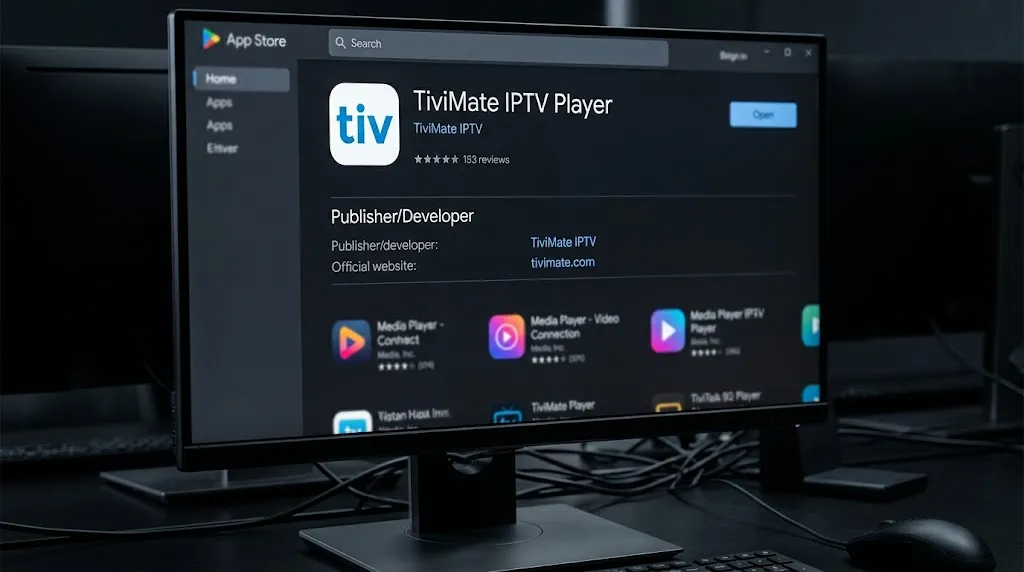
On Apple’s App Store, a player listed as Timivate Iptv: Player M3u, with two letters transposed, is published by a different developer and states that it includes no built-in content. Google’s results for TiviMate also surface an App Store listing titled “Tivimate Iptv : Perfect Player”, whose description advertises a player under another name.
Neither listing shows anything wrong with the app itself. What they show is that a name close to TiviMate’s, on a platform the developer does not list, is not the developer’s product. The publisher line settles it: the official player comes from Armobsoft FZE.
Websites Built on the Name
Several websites use the TiviMate name in their own addresses and present themselves as places to get the app, its Companion, or its Premium tier. During research for this page, at least one offered a modified “Premium” file for free download. Those sites are not named or linked here.
The developer’s Google Play listing gives a single website, tivimate.com, and a support address on the same domain. Anything that needs an account, a payment or a download is worth checking against those two details first.
What TiviMate Can’t Tell You
Two questions come up with TiviMate that the app itself cannot answer.
The first is legality. The app is a player, and the developer states it does not endorse illegal content sources, but whether a particular source is licensed is a question about that source, not about the player. This site does not name, rank or recommend subscription services, for the reasons set out in our DMCA disclaimer.
The second is which source to use with it. Technically, TiviMate accepts sources in the M3U, Xtream Codes and Stalker Portal formats its listing names. Which source a household chooses is its own decision. Several of the pages that answer that question in search results are published by businesses selling subscriptions.
Conclusion
TiviMate IPTV is a player from Armobsoft FZE, and on the points that cause the most confusion, its developer is unusually explicit. It supplies no content. It is not affiliated with anyone who does. Premium adds features, never channels. The Companion app manages accounts and is not a player. The declared platform is Android TV, and on Fire TV the answer now depends on which system the device runs.
The rest is recognition: the official listing names Armobsoft FZE and points to tivimate.com, and names that sound close are not the same product. For how to check any player the same way, return to our guide to IPTV apps. Every claim here is checked against a primary source, as described on our About page; if the developer’s listing changes, let us know.
Sources
- Google Play — TiviMate IPTV Player (Armobsoft FZE) — https://play.google.com/store/apps/details?id=ar.tvplayer.tv (accessed September 2026)
- Google Play — TiviMate Companion — https://play.google.com/store/apps/details?id=ar.tvplayer.companion (accessed September 2026)
- TiviMate — https://tivimate.com/ (accessed September 2026)
- PCWorld — The new Fire TV OS is for Amazon, not you — https://www.pcworld.com/article/3128166/the-new-fire-tv-os-is-for-amazon-not-you.html (accessed September 2026)
- AFTVnews — Amazon confirms all future Fire TV Sticks will run Vega OS — https://www.aftvnews.com/amazon-confirms-all-future-fire-tv-sticks-will-run-vega-os-no-more-android-or-sideloading-on-new-models/ (accessed September 2026)
- Apple App Store — Timivate Iptv: Player M3u — https://apps.apple.com/np/app/timivate-iptv-player-m3u/id6753684988 (accessed September 2026)