
If you search for OTT Navigator from a Maryland living room, the first Google Play result carries the right name, but it is not the developer’s app. The official player now appears on Google Play under a different name, and other listings use the OTT Navigator name without appearing on the developer’s own list.
This page sets out who develops OTT Navigator, what it does, where the developer says the official version is distributed, and which devices it supports. For how players like this fit the wider category, see our guide to IPTV apps and how to check one.
OTT Navigator is an Android IPTV player developed by Scillarium Studio SIA of Riga, Latvia. The developer’s FAQ says it is only a player and supplies no content. Its current Google Play version is listed as “OTT Player” by AppNovatica SIA, while a separate listing named “OTT Navigator IPTV” comes from another company and is not on the developer’s list of sources. The developer says the app runs only on Android.
What OTT Navigator Is
OTT Navigator is a player with a clearly documented developer, even though its store presence is harder to follow than its name suggests.
The Developer Behind OTT Navigator
The developer publishes an OTT Navigator FAQ that serves as the app’s main documentation, with support and white-label contact addresses on the ott-nav.com domain. The developer’s OttNav Companion listing on Google Play names Scillarium Studio SIA, with an address in Riga, Latvia, and links to ott-nav.com as its website.
One detail is worth knowing before visiting that site: when this page was reviewed, the ott-nav.com homepage listed a different Scillarium app, a TV launcher, rather than OTT Navigator. The FAQ, not the homepage, is where the developer describes the player and where to get it.
What the Player Does
According to the FAQ, OTT Navigator connects to a source in several ways: an M3U or M3U8 playlist (the developer’s preferred format, with support for several less common formats), an Xtream Codes login, or a MAC or Stalker portal. Beyond that, the developer documents:
| Feature | How the developer describes it |
|---|---|
| TV guide | Loads guide data from the source or from a user-provided EPG address |
| Catch-up | Plays archived shows where the source supports them |
| Picture-in-picture and studio mode | Studio mode shows up to 9 videos at once, limited by how many connections the source allows |
| Profiles and restrictions | Multiple user profiles, a PIN-protected child mode and a restricted mode |
| Backup | Cloud backups by code or linked to an OttNav account |
| Codecs | Hardware decoders, software decoders and an external player option |
What It Does Not Provide
The FAQ is direct: the app is just a player and neither has any content nor can provide any. To use it, a viewer needs a service and configures it inside the app. The Google Play description of the developer’s current listing says the same, that it does not provide any video by itself.
The “OTT” in the name refers to the kind of streamed content the player handles, not to a service built into it. Whether a stream arrives over the open internet or a managed network is a question about delivery, covered in our overview of how IPTV works in Maryland; either way, the player supplies nothing on its own.
Why the OTT Navigator Name Can Be Confusing
Most of the confusion around OTT Navigator comes from where it is distributed, not from what it does.
The Developer’s Listed Distribution Sources
The FAQ includes an “Availability” section listing where the developer distributes the app: a standalone version downloaded directly from the developer, not linked to any store; Aptoide; Google Play, with separate apps for phones and tablets and for TV; Huawei AppGallery; and the VIVO store. That list is the reference point for everything below.
Why Google Play Shows OTT Player
The Google Play link the FAQ gives for phones and tablets opens a listing titled OTT Player, published by AppNovatica SIA, with an address in Daugavpils, Latvia. Its description repeats the original OTT Navigator text almost word for word. The FAQ’s link for the TV version returned a page-not-found error when this page was reviewed, as did the older Google Play listing under the Scillarium name.
So someone searching Google Play for “OTT Navigator” is looking for a name the developer’s own Play listing no longer carries. The name OTT Player adds its own complication: an unrelated app called OttPlayer, from a different company, exists on the App Store.
The Separate OTT Navigator IPTV Listing
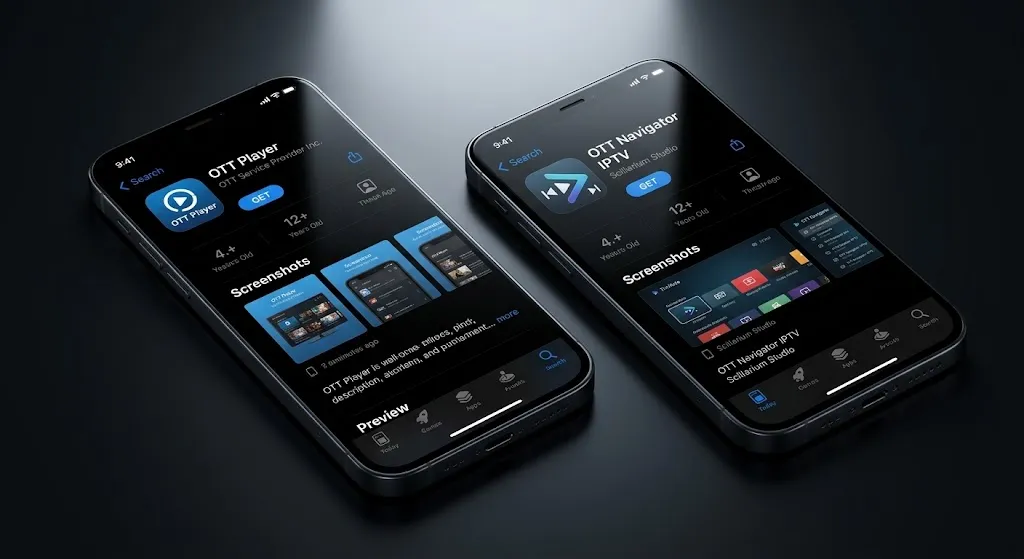
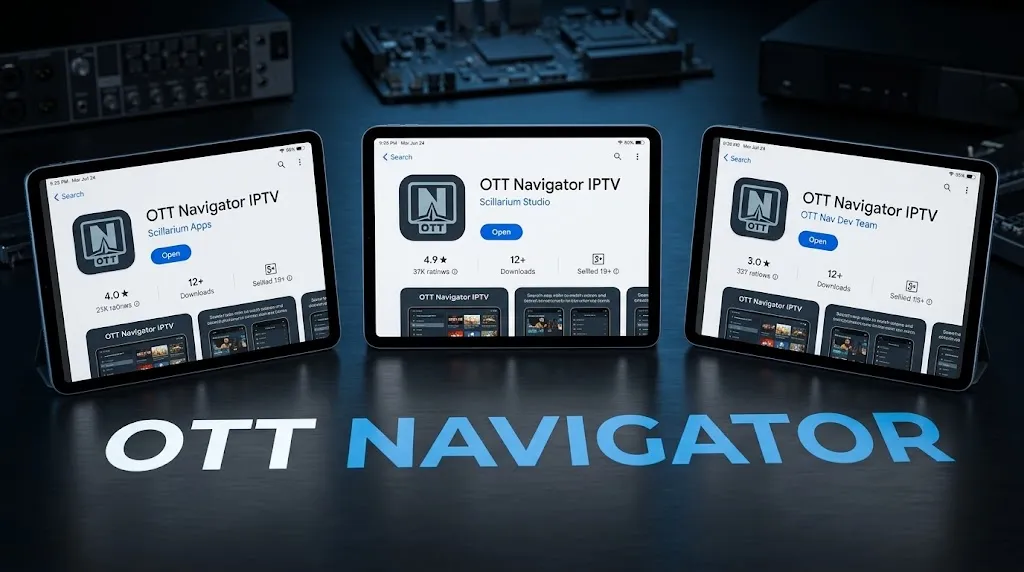
The Google Play listing titled OTT Navigator IPTV is published by AERONOXA LLC, with an address in Kirkland, Washington. Its description is different from the original, describing an interface built for one-handed phone use, though it ends with the original app’s tagline. It is not among the distribution sources the developer lists.
That does not make it unsafe or illegitimate; its listing also states it provides no content. It means it is a different product from a different company, and nothing in the developer’s FAQ applies to it.
Show Image Same name, different companies. The FAQ’s list of sources is the reference.
How to Tell Which OTT Navigator You Have
Three details settle it for this app. The company on the listing: Scillarium Studio SIA or, on Google Play, AppNovatica SIA. The source: whether it is one the developer’s FAQ lists. And the description: the developer’s version still uses the original wording about not providing any video by itself. The general method behind these checks is set out in the IPTV apps guide linked above.
OTT Navigator Premium and Companion
The player is free to install, with paid features on top.
Free Player, Paid Features
The FAQ describes OTT Navigator as a free app with in-app purchases. Premium is tied to an OttNav account, and the developer says the standard premium package covers five devices. Premium changes what the app can do; it never adds content, because the app has none to add. This site does not publish prices.
What OttNav Companion Does
OttNav Companion is not a player. Its Google Play listing says it exists to manage OTT Navigator’s premium features on devices without Google Play, letting an account holder add or remove devices and buy more device slots. The FAQ adds that the developer offers sub-accounts for resellers and branded versions of the app, which is one reason a copy of OTT Navigator can arrive from a third party rather than a store.
Which Devices Does OTT Navigator Support?
The developer’s answer is short: the app works only on Android.
Android Phones, Tablets, Android TV, and Google TV
These are the devices the app is built for, through Google Play, Aptoide, Huawei AppGallery or the standalone download. The FAQ notes that Google TV devices, including Chromecast models from 2021 on, run it because they are Android devices.
Fire TV
The FAQ lists Fire TV boxes and sticks among the Android devices that can run the app. That holds for Android-based Fire TV models. PCWorld reports that Amazon’s Vega OS runs on the 2025 Fire TV Stick 4K Select and the 2026 Fire TV Stick HD, and Vega does not run Android apps, so check which system a specific model runs.
Samsung and LG Smart TVs
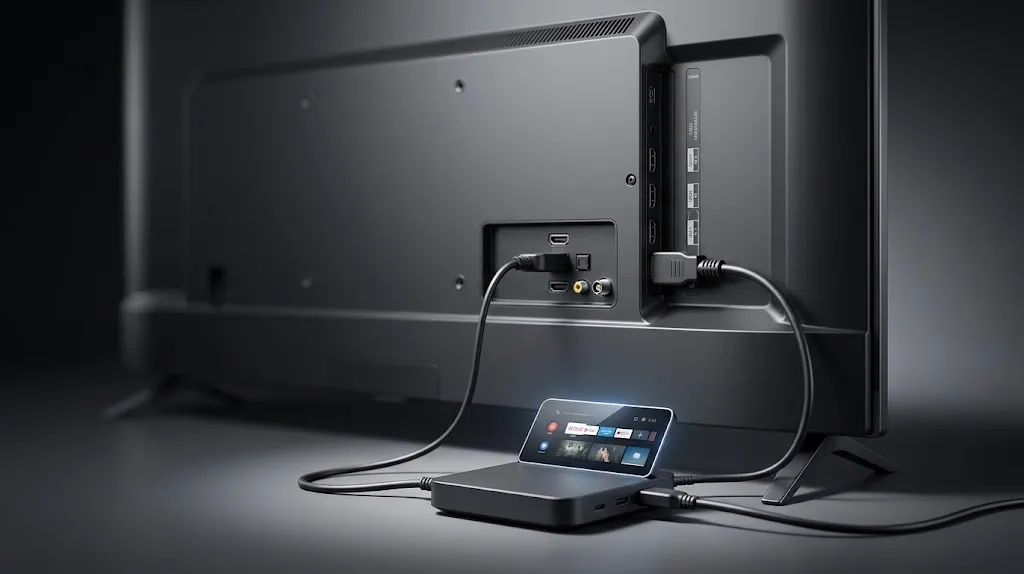
Here the developer answers the question directly. The FAQ says the app only works on Android, and that the developers investigated webOS and Tizen and found them not powerful enough for a capable app. For LG and Samsung owners, the developer recommends attaching an Android, Android TV, Google TV, Chromecast or Fire TV box or stick.
Show Image For Samsung and LG televisions, the developer points to an Android device plugged into the TV.
Apple Devices and Other Platforms
The developer’s current FAQ says the app only works on Android. An App Store listing titled “OTT Navigator IPTV Pro” appears in search results, and Google’s AI Overview for this search mentions Apple TV, but no App Store version is among the developer’s listed sources. For Windows and Mac, the FAQ says there is no dedicated version and suggests running the Android app through an Android emulator or Windows’ Android support.
Whether a source used with any player is licensed is a separate question from the player itself. This site does not name, rank or recommend subscription services, for the reasons set out in our DMCA disclaimer.
Conclusion
OTT Navigator is an Android player from Scillarium Studio SIA, and its FAQ is clear on the essentials: it supplies no content, premium adds features rather than channels, and it runs only on Android.
What makes it confusing is distribution. Its current Google Play version carries the name OTT Player under AppNovatica SIA, while the listing that uses the OTT Navigator name on Google Play comes from a different company and is not on the developer’s list.
The developer’s own list of sources is the reference that resolves it. For how to check any player the same way, return to our guide to IPTV apps. Every claim here is checked against a primary source, as described on our About page; if the developer’s FAQ or listings change, let us know.
Sources
- OTT Navigator FAQ (developer documentation) — https://ottnav.github.io/faq.html (accessed September 2026)
- Google Play — OttNav Companion (Scillarium Studio SIA) — https://play.google.com/store/apps/details?id=studio.scillarium.ottnavigator.companion (accessed September 2026)
- Google Play — OTT Player (AppNovatica SIA) — https://play.google.com/store/apps/details?id=appnovatica.stbp (accessed September 2026)
- Google Play — OTT Navigator IPTV (AERONOXA LLC) — https://play.google.com/store/apps/details?id=com.ottnavigator.iptvnavigator (accessed September 2026)
- Scillarium Studio — https://ott-nav.com/ (accessed September 2026)
- PCWorld — The new Fire TV OS is for Amazon, not you — https://www.pcworld.com/article/3128166/the-new-fire-tv-os-is-for-amazon-not-you.html (accessed September 2026)