
Before choosing any player, check that its App Store listing names Apple TV as a supported device, because an app on your iPhone is not automatically available on your Apple TV. For a Maryland household looking for the best IPTV app for Apple TV, the second check matters as much: the developer name, since several unrelated apps share almost the same title.
This page is part of the IPTV apps guide. It lists players confirmed in the US App Store for Apple TV, explains why some well-known players are not among them, and shows how to check any listing yourself.
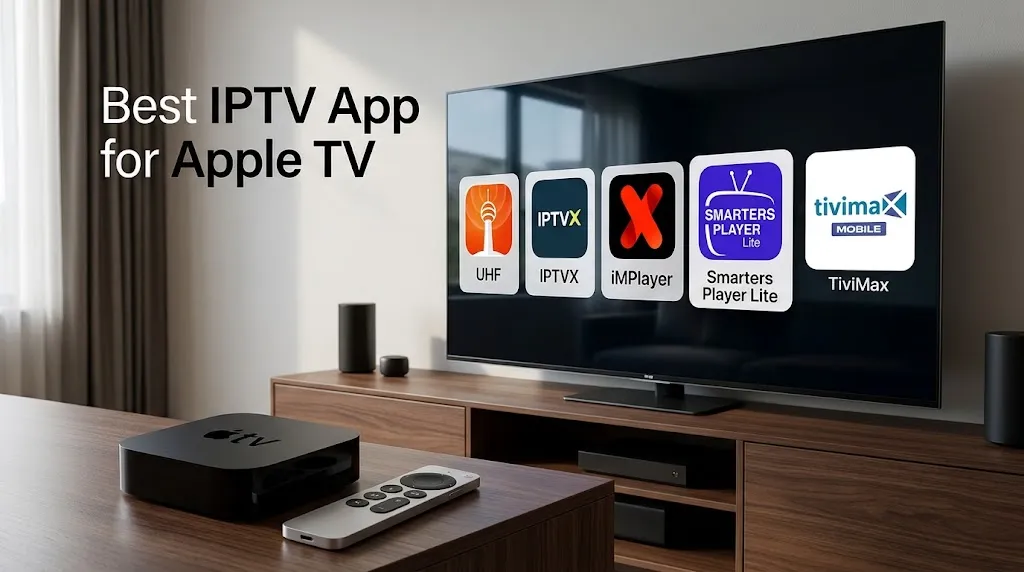
There is no single best IPTV app for Apple TV for every viewer, because players differ in the sources and features they support. A player can run on Apple TV only if its developer publishes it in the App Store with Apple TV listed as a supported device. UHF, IPTVX, iMPlayer, Smarters Player Lite and TiviMax all meet that test. TiviMate does not: its developer documents it for Android.
Before Choosing the Best IPTV App for Apple TV: Confirm the tvOS Listing
Apple TV gets its apps from one place, the App Store on the device, as covered in Apple TV vs Firestick for IPTV. So the listing is where every check starts.
What an App Store Listing Tells You

Three parts of a listing settle most questions before you install anything:
- Supported devices. Under Compatibility, the App Store shows which devices the app runs on.
What you should see: “Apple TV” in that list, usually with a minimum tvOS version. “Designed for iPad” alone does not mean the app runs on Apple TV. - The developer. The name appears near the top of the listing and again under Seller.
What you should see: the same developer name you expected, not just a similar app title. - The pricing model. The top of the listing shows whether the download is free, whether it has in-app purchases, or whether it costs money up front.
What you should see: the model you are comfortable with, before you add a playlist.
A free download means the app costs nothing to install. It does not mean it comes with channels. No player on this page includes any content.
The Developer Name Helps You Identify the Intended App
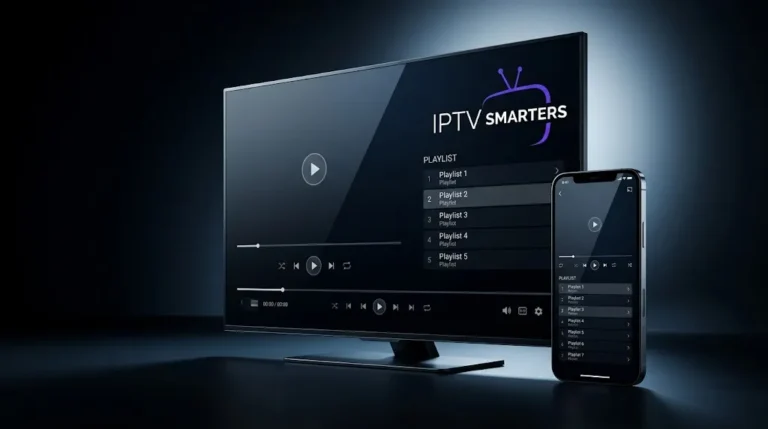
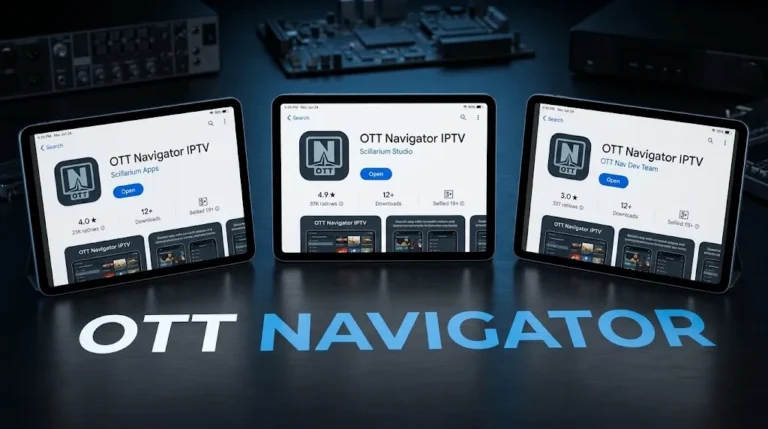
Searching the App Store for a player you know by name can return several apps with nearly the same title. IPTV Smarters is the clearest example. Its developer, WHMCS Smarters, publishes Smarters Player Lite for Apple devices; the background is on the IPTV Smarters page. Searches for “Smarters” also return apps from other developers:
| Name in the listing | Developer in the listing | Apple TV listed |
|---|---|---|
| Smarters Player Lite | WHMCS SMARTERS | Yes |
| Smarters IPTV Player · Smarters IPTV Pro | SmartersPlayer LLC | Yes |
| IPTV Plus (“Smarters Pro Smart Player”) | IPTV Stream Solutions LLC | Yes |
| IPTV Smarter Player Lite | Leapixel | No |
| IPTV Smarters Player Lite | smartwidgetlabs | No |
These are separate apps from separate developers, with their own pricing and their own support. If you were told to install a specific app, match the developer name, not the title. Similarly named apps are one of the patterns discussed on the IPTV scams page.
IPTV Players Listed for Apple TV
The players below each have a US App Store listing that names Apple TV as a supported device, checked for this page. They are listed alphabetically, not ranked. Each card reports only what the listing states.
iMPlayer IPTV Player
- Consider it if: your source is an M3U playlist and you want catch-up, an EPG guide or offline downloads, all of which the listing names.
- Developer: HzApps (seller: Horizon Applications LLC).
- Apple TV: listed in the App Store’s supported devices.
- Sources it accepts: M3U files and, per the listing, “certain compatible platforms”.
- Features stated in the listing: catch-up, video on demand, downloads for offline viewing, full EPG guide, customizable interface.
- Pricing model: Free download, with in-app purchases.
- Listing: iMPlayer IPTV Player on the App Store
IPTVX
- Consider it if: you want an EPG grid and catch-up from an Xtream login or M3U playlist, and also keep media on a Plex or SMB home server.
- Developer: Bending X – FZE.
- Apple TV: listed in the App Store’s supported devices, requiring tvOS 16.0 or later.
- Sources it accepts: Xtream API, M3U and M3U8, plus Plex and SMB for media on home servers.
- Features stated in the listing: TV guide tab with an EPG grid, TV archive and catch-up, multiple playlists, parental control, subtitles and external subtitles, audio track selection, and iCloud sync across your devices.
- Pricing model: Free download, with in-app purchases.
- Keep in mind: the listing states that a valid iCloud account is required, and that neither the app nor its founder provides content.
- Listing: IPTVX on the App Store
Smarters Player Lite
- Consider it if: you were told to use IPTV Smarters and want the Apple TV listing from its own developer, with Xtream Codes or M3U support stated.
- Developer: WHMCS SMARTERS.
- Apple TV: listed in the App Store’s supported devices.
- Sources it accepts: Xtream Codes API, M3U URL and playlist, and local audio and video files.
- Features stated in the listing: live TV, movies, series and radio streaming. The listing describes it as the lite version of IPTV Smarters Pro.
- Pricing model: Free download, with in-app purchases.
- Keep in mind: this is the WHMCS Smarters listing. The other “Smarters” apps in the table above come from different developers.
- Listing: Smarters Player Lite on the App Store
TiviMax IPTV Player
- Consider it if: your source is a Stalker portal, which no other listing on this page mentions, or you want to test your source with the free Lite version first.
- Developer: AFIFA CHAUHDARY.
- Apple TV: listed for TiviMax IPTV Player (Premium) and TiviMax IPTV Player (Lite).
- Sources it accepts: Stalker portals, Xtream Codes and M3U playlists.
- Features stated in the listing: TV guide management, reminders for upcoming programs, video on demand, catch-up mode, audio and subtitle selection.
- Pricing model: Premium is paid up front. Lite is a free download, which the listing suggests using first to check that your source works.
- Keep in mind: the developer also publishes TiviMax IPTV Player (Mobile), whose listing does not name Apple TV. Pick Premium or Lite for Apple TV.
- Listing: TiviMax IPTV Player (Premium) on the App Store
UHF – Love your IPTV
- Consider it if: your source is an M3U8 playlist or an Xtream login, or you also use a Plex, Jellyfin or Emby media server.
- Developer: Short Wavelength Applications Ltd.
- Apple TV: listed in the App Store’s supported devices, requiring tvOS 17.0 or later.
- Sources it accepts: M3U8, Xtream, Plex, Jellyfin and Emby playlists.
- Features stated in the listing: EPG guide, catch-up, search across playlists, AirPlay and Chromecast casting, Trakt support, 4K HDR with Dolby Vision and Dolby Atmos, and a companion app, UHF Server, for scheduling recordings.
- Pricing model: Free download, with in-app purchases for an optional PRO plan.
- Keep in mind: the notes for the app’s latest version say the Downloads and Share features were removed to comply with App Store rules. Listings change, so check the current one for any feature you rely on.
- Listing: UHF on the App Store
How They Compare
| Player | Developer | M3U | Xtream | EPG | Catch-up | Pricing model |
|---|---|---|---|---|---|---|
| iMPlayer | HzApps | Yes | Not stated | Yes | Yes | Free download + in-app purchases |
| IPTVX | Bending X – FZE | Yes (M3U and M3U8) | Yes | Yes | Yes | Free download + in-app purchases |
| Smarters Player Lite | WHMCS SMARTERS | Yes | Yes | Not stated | Not stated | Free download + in-app purchases |
| TiviMax (Premium / Lite) | AFIFA CHAUHDARY | Yes | Yes | Yes | Yes | Paid up front / free download |
| UHF | Short Wavelength Applications Ltd | M3U8 | Yes | Yes | Yes | Free download + in-app purchases |
“Not stated” means the listing text did not mention the feature when this page was checked. It does not mean the app lacks it. Check the current listing, or the developer’s site, for anything your source depends on.
Match the Player to Your Source: M3U, Xtream or Stalker Portal
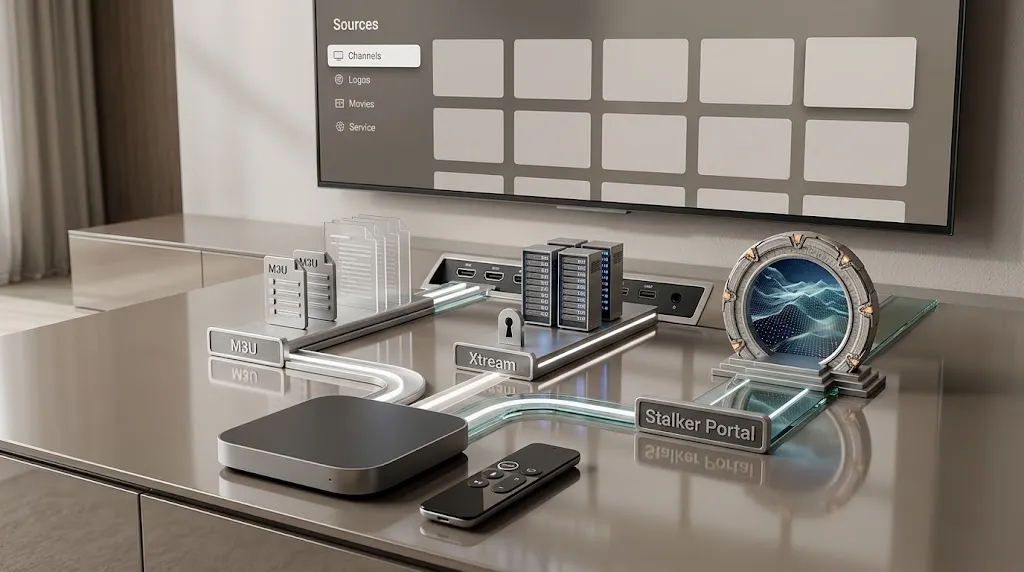
The details a service gives you decide which player can open them. Before you choose from the cards above, look at what you actually received. It is usually one of three types.
The Three Source Types
- M3U playlist: a link or a file that lists channels and streams. The player reads the list and builds its channel guide from it. M3U8 is a closely related format, and some listings name only one of the two.
- Xtream login: a server address, a username and a password. The player signs in and loads live channels, movies and series as separate sections.
- Stalker portal: a portal address tied to a device identifier, often a MAC address. This is the older set-top-box method, and fewer players support it.
| If you received | Listings on this page that state support |
|---|---|
| An M3U playlist | iMPlayer, IPTVX, Smarters Player Lite, TiviMax (UHF lists M3U8) |
| An Xtream login | IPTVX, Smarters Player Lite, TiviMax, UHF |
| A Stalker portal | TiviMax |
If you searched for the best M3U player for Apple TV, all five listings here name M3U or M3U8. Match the exact format your source uses against the listing before you install.
Guide and Catch-Up Depend on Your Source Too
A player that lists EPG or catch-up can only show what your source sends. If the source has no guide data, the guide stays empty. If it does not record past programs, catch-up has nothing to play. When a feature is missing, check what your source includes before blaming the app. The IPTV not working guide covers how to tell the two apart.
What “Free Download” Means for a Player
Several players on this page are free to download and offer in-app purchases, while TiviMax also has a paid Premium version. A free download describes the app’s price, nothing more: features may sit behind a purchase, and none of the apps includes channels. Check the current App Store listing for the latest pricing and purchase details before you rely on a feature.
Players People Ask About That Are Not on Apple TV
Can I Use TiviMate on Apple TV?
No. TiviMate’s developer documents it for Android devices, including Android TV and Fire TV on Fire OS, as covered on the TiviMate page. An Apple TV can install apps only from the App Store, so a player that is not published there cannot run on it.
TiviMate and TiviMax Are Different Apps
The names differ by one letter, and that causes confusion. TiviMax is published in the App Store by AFIFA CHAUHDARY, as listed above. It is not a version of TiviMate, and its listing makes no such claim. If you are moving from TiviMate on a Fire TV or Android box, treat any Apple TV player as a new app to learn.
What an Apple TV Player Does Not Include
Every listing on this page says the same thing in different words: the app plays content you add, and provides none of its own. The player reads a playlist or login you supply, and the channels come from that source. Whether streaming a given source is lawful is a separate question from the app, covered in Is IPTV Legal and in the site’s disclaimer.
Choosing the Best IPTV App for Apple TV: Before You Install
The best IPTV app for Apple TV is the one whose listing matches your device, your source and the developer you expect. Run through this before you install:
- ☐ The listing names Apple TV as a supported device, not only iPhone or iPad.
- ☐ The developer name matches the app I was told to install.
- ☐ The listing states support for the source type I have: M3U, M3U8, Xtream or Stalker portal.
- ☐ I know the pricing model before adding my playlist.
- ☐ I am not expecting channels from the app itself.
For players on other devices, return to the IPTV apps guide. If a listing detail on this page has changed, let us know.
Sources
- App Store — iMPlayer IPTV Player — https://apps.apple.com/app/id6695725513
- App Store — IPTVX — https://apps.apple.com/us/app/iptvx/id1451470024
- App Store — Smarters Player Lite — https://apple.co/3C3YtTp
- App Store — TiviMax IPTV Player (Premium) — https://apps.apple.com/app/id1632953327
- App Store — UHF – Love your IPTV — https://apps.apple.com/us/app/uhf-love-your-iptv/id6443751726
- App Store — developer page, AFIFA CHAUHDARY — https://apps.apple.com/ng/developer/afifa-chauhdary/id1614111035
- Apple Support — Use the Apple TV App Store — https://support.apple.com/guide/tv/atvb5a7dd799/tvos