
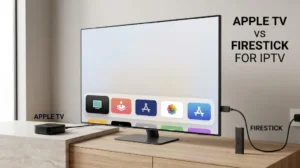
Apple TV vs Firestick for IPTV: Start With the App Store Rules
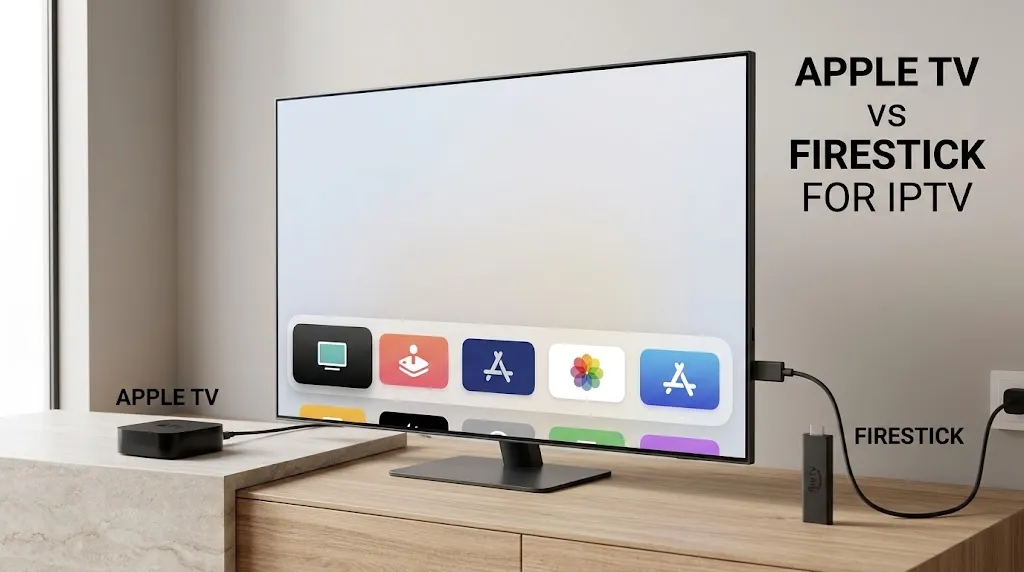
Before comparing speed or price, check where each device gets its apps, because that decides whether your IPTV player will run on it. For a Maryland household weighing Apple TV vs Firestick for IPTV, the choice is not really between two devices.
It is between three operating systems: Apple’s tvOS, Amazon’s Fire OS, and Amazon’s newer Vega OS. The Firestick name covers the last two. This page is part of the IPTV devices guide and compares them on what can be checked: app sources, operating systems, storage and wired connections.
In the Apple TV vs Firestick for IPTV comparison, the app source decides first. Apple TV 4K gets its apps from Apple’s App Store. Fire TV devices on Fire OS use the Amazon Appstore and, in general, apps from outside it. Fire TV devices on Vega OS accept apps only from the Amazon Appstore. The exact Fire TV model name tells you which of those two Amazon systems you are buying.
Apple TV vs Firestick for IPTV at a Glance
| Comparison point | Apple TV 4K | Fire TV on Fire OS | Fire TV on Vega OS |
|---|---|---|---|
| Operating system | tvOS | Fire OS (Android-based) | Vega OS |
| Official app source | Apple App Store | Amazon Appstore | Amazon Appstore |
| Apps from outside the store | Not a route Apple describes for Apple TV | Generally possible, per Amazon, with specific apps blocked | Not allowed, per Amazon’s listing language |
| Ethernet | Gigabit on the 4th generation; 3rd generation: 128GB version only | Adapter on sticks; built in on the Cube | Per model |
| Storage | 128GB on the 4th generation; 64GB or 128GB on the 3rd generation | 8GB to 16GB, by model | 8GB on current models |
The Fire TV model name decides which of the two right-hand columns applies. Which current models run which system is listed on the Fire TV Stick page.
Where Each Device Gets Its Apps
An IPTV player is a separate app with its own developer, and that developer decides which platforms to support. The IPTV apps guide covers how players differ. This section covers where each device lets you get one.
Apple TV: The App Store Only
Apple’s support guide for Apple TV describes one route for adding apps: browse, buy or get them in the App Store on the device. A player is available on Apple TV only if its developer has published a tvOS version there.
Do not assume that a player available on Android, Android TV, iPhone or a smart TV also exists on Apple TV. TiviMate, for example, is documented by its developer for Android devices, as covered on the TiviMate page. Search for the exact player in the App Store on Apple TV before you buy.
Fire TV on Fire OS: The Appstore and Outside Apps
Fire OS is built on Android. Its devices use the Amazon Appstore and can also install Android apps from outside it. That flexibility is not unlimited: according to heise online, Amazon said it is blocking piracy apps on Fire OS while installing apps from outside the store remains generally possible.
Fire TV on Vega OS: The Appstore Only
Vega OS is Amazon’s newer system, and it does not run Android apps. Amazon’s listing for the Fire TV Stick 4K Select, as reported by It’s FOSS, states that only apps from the Amazon Appstore are available for download. On this point, a Vega Fire TV Stick follows the same rule as Apple TV: the player must be published for that platform, in that platform’s store.
Why the Exact Fire TV Model Matters
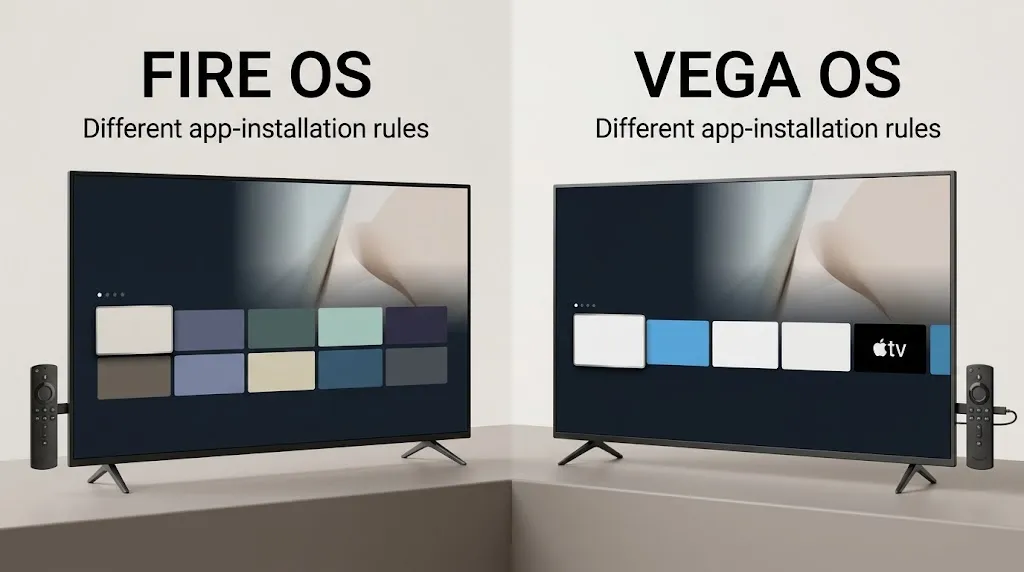
“Firestick” is not precise enough to identify the software. Amazon’s specification page lists two devices sold as Fire TV Stick 4K: the 2nd Gen on Fire OS 8 and the 3rd Gen on Vega OS 2.0. A comparison that says “Firestick lets you install outside apps” is true for one of them and false for the other.
So when you read any Apple TV vs Firestick comparison, including this one, check which Fire TV model it is describing. If you already own a Fire TV and are not sure which one it is, the identification steps are on the Firestick setup page.
Can Apple TV Be Used Like a Firestick?
It depends on which Firestick you mean. Compared with a Fire OS stick, no: Apple TV does not offer that route for installing apps from outside its store. Compared with a Vega stick, in this one respect, yes: both take apps only from their own store. This page does not cover workarounds for either platform’s restrictions.
The Hardware That Separates Them
Apple TV 4K: The New 4th Generation and the 3rd Generation Still on Sale
Apple announced the Apple TV 4K (4th generation) on October 13, 2026, with in-store availability from November 13, 2026, according to Apple Newsroom. Its technical specifications list the A19 chip and a single configuration with 128GB of storage, Wi-Fi 7 and Gigabit Ethernet. The 3rd generation, which you will still find in stores and used listings, came in two versions with the A15 Bionic chip, listed in Apple’s 3rd-generation tech specs:
| Apple TV 4K (4th gen) | Apple TV 4K (3rd gen) Wi-Fi | Apple TV 4K (3rd gen) Wi-Fi + Ethernet | |
|---|---|---|---|
| Chip | A19 | A15 Bionic | A15 Bionic |
| Storage | 128GB | 64GB | 128GB |
| Wi-Fi | Wi-Fi 7 | Wi-Fi 6 | Wi-Fi 6 |
| Ethernet | Gigabit | None | Gigabit |
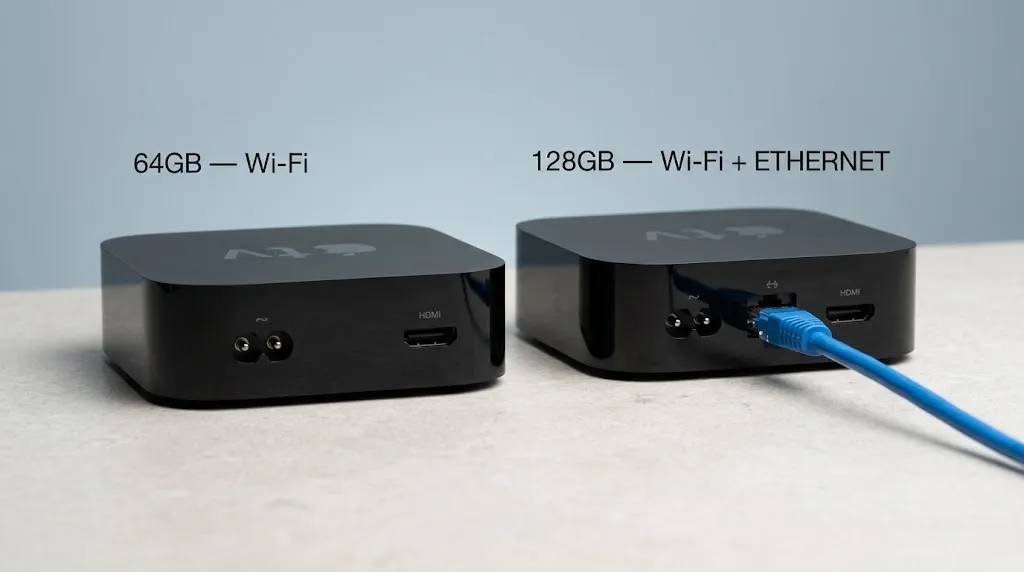
If you want a wired connection, every 4th-generation Apple TV 4K has an Ethernet port; on the 3rd generation, only the 128GB version does. Both generations run tvOS and use the same App Store, so the app-source comparison above applies to either.
There is a second name to watch for in used listings. Apple’s support page on downloading apps notes that the older Apple TV (3rd generation) has no App Store, so you cannot download new apps to it. That device is not the Apple TV 4K (3rd generation). Check for “4K” in the name before you buy.
Fire TV: The Model Changes the Comparison
On the Fire TV side, storage, Wi-Fi and Ethernet differ by model as much as the operating system does. The Fire TV Stick 4K Max (2nd Gen) lists 16GB of storage and Wi-Fi 6E. The 4K Plus lists 8GB and Wi-Fi 6. Both need an adapter for Ethernet. The Fire TV Cube (3rd Gen) has a built-in Ethernet port and 16GB. The current Vega sticks list 8GB. The full model-by-model breakdown is on the Fire TV Stick page.
Which Device Fits Your App and Connection Requirements?
| Your requirement | What to check |
|---|---|
| A specific IPTV player | The player’s developer page or store listing for tvOS, Fire OS or Vega. Do not infer one from another |
| A player published in Apple’s App Store for Apple TV | Apple TV 4K |
| A player available only outside an official store | A Fire TV model on Fire OS, confirmed by its exact name |
| A player in the Amazon Appstore with a Vega version | Any current Fire TV, including Vega models |
| A wired connection on Apple TV | Apple TV 4K (4th generation), or the 128GB 3rd-generation Wi-Fi + Ethernet version |
| A wired connection on Fire TV without an adapter | The Fire TV Cube (3rd Gen) |
| A used device | The full model name, including “4K” and the generation for Apple TV, and the generation for Fire TV |
What you should see: one row for each requirement you have, and the device or model the rows point to.
When Neither Fits: Android Boxes
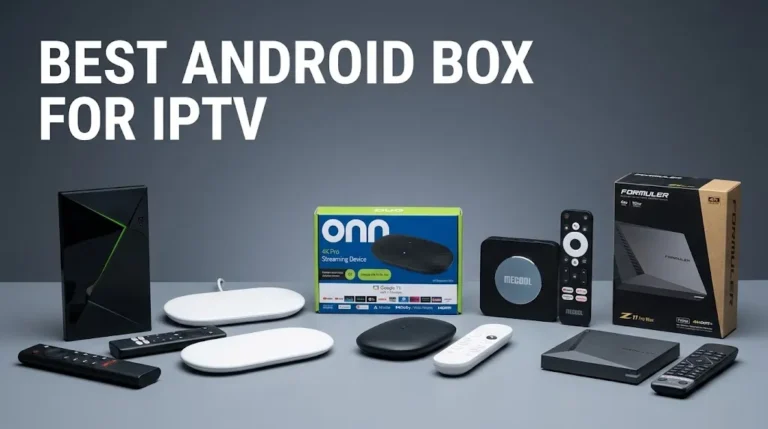
If the player you want is on neither Apple’s App Store nor available for your Fire TV model, a third family exists: Android TV and Google TV boxes, which use the Google Play Store. Certification varies between them, and checking it before you buy is covered in the Android box guide.
Apple TV vs Firestick for IPTV: Before You Buy
Settling Apple TV vs Firestick for IPTV comes down to three things you can check yourself: the exact device model, its operating system, and whether the player you intend to use is published for that system. Run through this before you buy:
☐ I know which player I intend to use, and which platforms its developer supports.
☐ If I am buying a Fire TV, I know the exact model and whether it runs Fire OS or Vega OS.
☐ If I am buying an Apple TV, the name includes “4K”, and I have found my player in the App Store for Apple TV.
☐ If I want a wired connection on Apple TV, I am buying the 4th generation or the 128GB 3rd-generation Wi-Fi + Ethernet version.
For other device families, return to the IPTV devices guide. If a detail on this page no longer matches Apple’s or Amazon’s listings, let us know.
Sources
- Apple Support — Use the Apple TV App Store — https://support.apple.com/guide/tv/atvb5a7dd799/tvos
- Apple Support — Download apps on your Apple TV 4K and Apple TV HD — https://support.apple.com/en-au/102348
- Apple — Apple TV 4K (4th generation) technical specifications — https://www.apple.com/apple-tv-4k/specs/
- Apple Support — Apple TV 4K (3rd generation) Tech Specs — https://support.apple.com/en-us/111839
- Apple Newsroom — Apple unveils the new Apple TV 4K (October 13, 2026) — https://www.apple.com/newsroom/2026/10/apple-unveils-the-new-apple-tv-4k/
- Amazon Developer — Device Specifications: Fire TV Streaming Media Player — https://developer.amazon.com/docs/device-specs/device-specifications-fire-tv-streaming-media-player.html
- heise online — Amazon’s Fire TV sideloading changes (secondary reporting) — https://heise.de/-11263192
- It’s FOSS — Amazon launches Vega OS for Fire TV (secondary reporting of Amazon’s listing language) — https://itsfoss.com/news/amazon-vega-os/