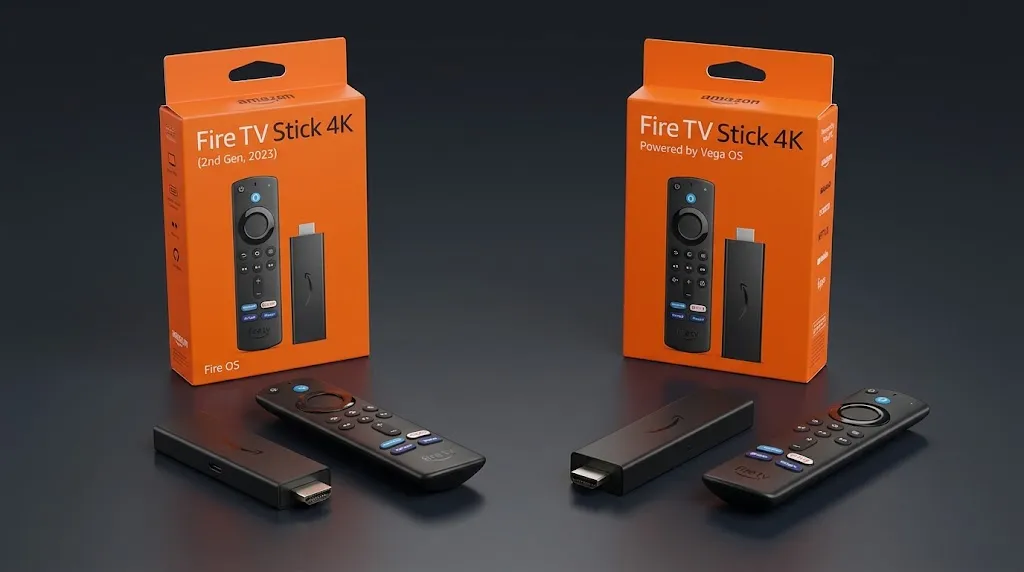

Before anything else, check which operating system a Fire TV device runs, because that now decides more than its price or its 4K label. For a Maryland household shopping for the best Fire TV Stick for IPTV, Amazon’s lineup has split in two: some current models run Fire OS, Amazon’s Android-based system, and others run Vega OS, a newer system that installs apps only from the Amazon Appstore.
This page is part of the IPTV devices guide and covers one decision: which Fire TV model fits the way you plan to use an IPTV player, and when a Fire TV is the wrong purchase.
There is no single best Fire TV Stick for IPTV for every viewer, because the operating system decides first. Amazon’s specifications list the Fire TV Stick 4K Max (2nd Gen), Fire TV Stick 4K Plus and Fire TV Cube (3rd Gen) on Fire OS, which is Android-based. The Fire TV Stick 4K (3rd Gen), 4K Select and HD (2026) run Vega OS, where only apps from the Amazon Appstore are available.
Before Choosing the Best Fire TV Stick for IPTV: Which System Do You Need?
A Fire TV does not come with IPTV. You supply a source, and a player app opens it. The player is a separate piece of software with its own developer, so the first question about any Fire TV is simple: can it install the player you intend to use?
Fire OS and Vega OS for Third-Party Players
Amazon’s device specifications list an operating system for every Fire TV Stick. Fire OS 8 is built on Android 11. Vega OS is a separate system that Amazon describes as built on Linux components.
| Fire OS | Vega OS | |
|---|---|---|
| Base | Android | Linux components, built by Amazon |
| Where apps come from | Amazon Appstore, plus Android apps from outside the store | Amazon Appstore only |
| App format | Android apps | Apps built for Vega |
| Check before buying. | Whether the player’s developer supports Fire TV | Whether the player has a Vega version in the Amazon Appstore |
The question is not whether a Vega device can play video. It is whether the player you want exists as a Vega app in the Amazon Appstore. Amazon’s listing for the Fire TV Stick 4K Select, as reported by It’s FOSS, states that only apps from the Amazon Appstore are available for download.
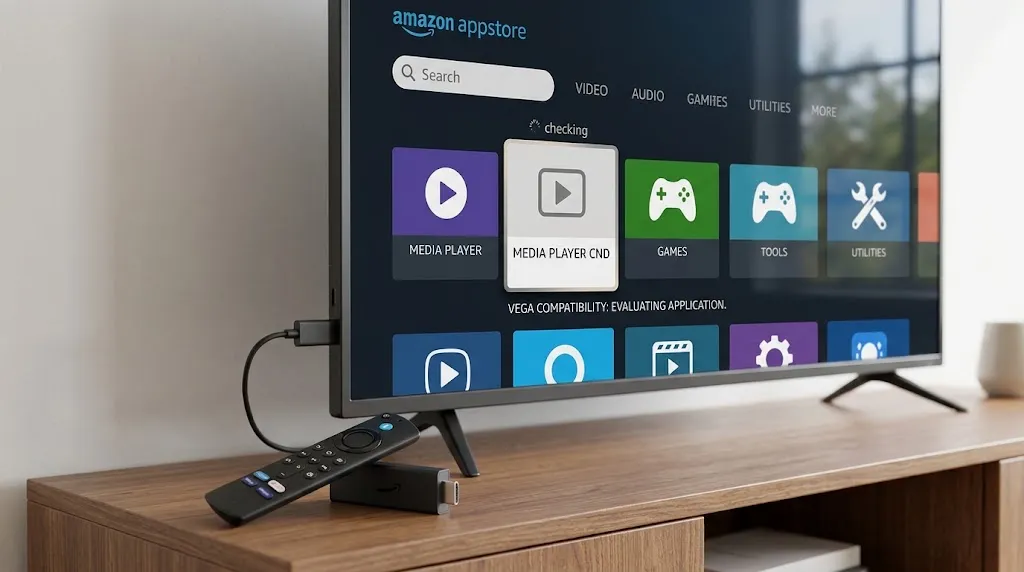
Fire OS is more open, but not without limits. Amazon has begun blocking specific apps on Fire OS devices. According to Heise Online, Amazon said those measures are aimed at piracy apps and that installing apps from outside the store remains generally possible on Fire OS. The Firestick setup page explains what that blocking covers.
Your Answer Decides the Shortlist
| If this describes you | Look at |
|---|---|
| The player you want is in the Amazon Appstore with a Vega version. | Any Fire TV model, including Vega models |
| The player you want is an Android app distributed outside the Amazon Appstore. | A Fire OS model: 4K Max (2nd Gen), 4K Plus, or Cube (3rd Gen) |
| You have not chosen a player yet. | A Fire OS model, which keeps both paths open |
| Player flexibility matters more to you than staying with Fire TV. | The last section of this page |
What you should see: one row that matches your plans , and a shortlist of either every Fire TV model or the three Fire OS models.
One Model Name, Two Different Systems
The name printed on a listing is not enough to tell you the system. Amazon’s specification page lists two devices sold under the retail name Fire TV Stick 4K, and they do not run the same operating system.
Fire TV Stick 4K: 2nd Gen vs 3rd Gen
| Fire TV Stick 4K (2nd Gen, 2023) | Fire TV Stick 4K (3rd Gen, 2026) | |
|---|---|---|
| System | Fire OS 8 (Android 11) | Vega OS 2.0 |
| Memory | 2 GB | 1 GB |
| Storage | 8 GB | 8 GB |
| Wi-Fi | Wi-Fi 6 | Wi-Fi 6 |
| Power | Separate power adapter | Powered from the TV’s USB port |
The same pattern applies at the entry level: Amazon lists a Fire TV Stick HD from 2024 on Fire OS 7, and a Fire TV Stick HD from 2026 on Vega OS. In one set of Google shopping results reviewed for this page, a card labeled “Fire TV Stick 4K” showed the same price and review count as a Fire TV Stick 4K Select listing on the same page. That is one observation, not a rule, but it shows why the generation matters more than the label.
How to Read a Listing Before You Buy

- Find the generation or year in the title. Look for “2nd Gen”, “3rd Gen”, “2025” or “2026” next to the model name.
What you should see: a full name, such as Fire TV Stick 4K (2nd Gen), not just “Fire TV Stick 4K”. - Look for a statement about apps. On Vega models, Amazon’s listing language says that only apps from the Amazon Appstore are available.
- Match the name and year against Amazon’s specification page. Each device there shows its OS version.
- Treat a listing with no generation or year as unknown. A reseller listing without that detail may not tell you which system arrives in the box.
If you already own a Fire TV and want to know which one it is, the identification steps are on the Firestick setup page.
Fire TV Models That Fit Third-Party Player Use
Amazon’s specification pages list these three models on Fire OS: two sticks and the Cube. They are listed below by form factor, not ranked.
Fire TV Stick 4K Max (2nd Gen)
- Consider it if: you want a Fire OS stick with more storage than the other Fire OS sticks and Wi-Fi 6E.
- System: Fire OS 8 (Android 11).
- Processor and memory: quad-core up to 2.0 GHz, 2 GB RAM.
- Storage: 16 GB, shared by every app you install and the data each keeps, such as program guides.
- Wi-Fi: Wi-Fi 6E (2.4, 5 and 6 GHz).
- Ethernet: 10/100 Mbps with an external adapter.
- Keep in mind: Wi-Fi 6E only uses its 6 GHz band with a router that broadcasts on 6 GHz. Amazon lists the model as a 2023 release.
- Listing: Fire TV Stick 4K Max (2nd Gen) on Amazon
Fire TV Stick 4K Plus
- Consider it if: you want a Fire OS stick that Amazon lists as a 2025 release, with Wi-Fi 6.
- System: Fire OS 8 (Android 11).
- Processor and memory: quad-core up to 1.7 GHz, 2 GB RAM.
- Storage: 8 GB.
- Wi-Fi: Wi-Fi 6 (2.4 and 5 GHz).
- Ethernet: 10/100 Mbps with an external adapter.
- Keep in mind: in Amazon’s specification sheet, its processor, memory, storage, Wi-Fi and Ethernet entries match the Fire TV Stick 4K (2nd Gen) line for line. The name on the listing is what separates it from the 4K (3rd Gen) on Vega.
- Listing: Fire TV Stick 4K Plus on Amazon
Fire TV Cube (3rd Gen)
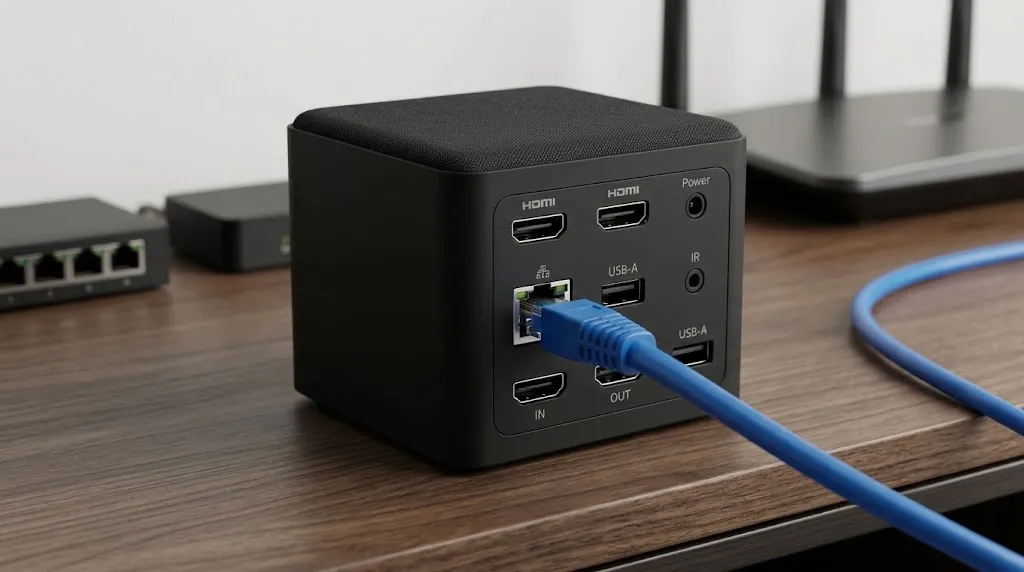
- Consider it if: you want a wired connection without an adapter.
- Form factor: a small box, not a stick. It sits beside the TV and connects by HDMI.
- System: Fire OS 7 (Android 9).
- Processor and memory: octa-core (four cores up to 2.2 GHz and four up to 2.0 GHz), 2 GB RAM.
- Storage: 16 GB.
- Wi-Fi: Wi-Fi 6E (2.4, 5 and 6 GHz).
- Ethernet: built-in 10/100 Mbps port.
- Keep in mind: it runs an older Android base than the two sticks above (Android 9 against Android 11). If a player’s developer states a minimum Android version, check it against this one. Amazon lists the Cube as a 2022 release, per its Cube specification page.
- Listing: Fire TV Cube (3rd Gen) on Amazon
A wired port matters most where Wi-Fi is the weak link in the home. IPTV internet speed in Maryland covers how much capacity a stream needs on a Maryland connection.
How the Three Compare
| Fire TV Stick 4K Max (2nd Gen) | Fire TV Stick 4K Plus | Fire TV Cube (3rd Gen) | |
|---|---|---|---|
| Form factor | Stick | Stick | Box |
| System | Fire OS 8 | Fire OS 8 | Fire OS 7 |
| CPU | Quad-core, up to 2.0 GHz | Quad-core, up to 1.7 GHz | Octa-core, up to 2.2 GHz |
| RAM / storage | 2 GB / 16 GB | 2 GB / 8 GB | 2 GB / 16 GB |
| Wi-Fi | Wi-Fi 6E | Wi-Fi 6 | Wi-Fi 6E |
| Ethernet | Adapter | Adapter | Built in |
Models to Think Twice About for Third-Party Players
The reason to pause is narrow: whether the player you want exists as a Vega app. Amazon told heise online that developers can still install their own apps on Vega for testing. That is a development path, not a way for viewers to add a player.
Fire TV Stick 4K (3rd Gen)
- System: Vega OS 2.0. 1 GB RAM, 8 GB storage, Wi-Fi 6, powered from the TV’s USB port.
- Why pause: it shares its retail name with the 2nd Gen model on Fire OS.
- Before buying: confirm that your player is listed in the Amazon App Store for this device.
Fire TV Stick 4K Select
- System: Vega OS 1.1. 1 GB RAM, 8 GB storage, 802.11ac Wi-Fi.
- Why pause: it was Amazon’s first Vega device. In shopping results, it can appear next to Fire OS models with a similar name.
- Before buying: the same check, the player’s Vega listing in the Amazon App Store.
Fire TV Stick HD (2026)
- System: Vega OS 1.1. 1 GB RAM, 8 GB storage, Wi-Fi 6.
- Why pause: the 2024 Fire TV Stick HD ran Fire OS 7, so the year is the only thing separating the two on a listing.
- Before buying: check the year on the listing and the player’s Vega listing.
What you should see: before buying any of these three, the exact player you intend to use, listed in the Amazon App Store as available for that device.
Buying Now, Knowing What Comes Next
What Amazon Has Said About Future Sticks
Amazon’s Fire TV developer page states that, starting with the Fire TV Stick 4K Select, all future Fire TV Sticks will run on Vega. The statement names sticks; it does not mention the Cube. A Fire OS stick bought today keeps its system. Heise online reports that existing Fire OS sticks will not be moved to Vega through an update.
For a buyer, that means a 4K Max (2nd Gen) or 4K Plus is a Fire OS device for as long as it is in use, with no Fire OS stick successor announced.
Older and Used Sticks
Amazon’s Fire OS overview lists the system each older model runs:
| Older model | System | Android base |
|---|---|---|
| Fire TV Stick 4K Max (1st Gen, 2021) | Fire OS 7 | Android 9 |
| Fire TV Stick (3rd Gen, 2020) | Fire OS 7 | Android 9 |
| Fire TV Stick Lite (1st Gen, 2020) | Fire OS 7 | Android 9 |
| Fire TV Stick 4K (1st Gen, 2018) | Fire OS 6 | Android 7.1 |
| Fire TV Stick (2nd Gen, 2016–2019) | Fire OS 5 | Android 5.1 |
A used stick needs the same generation check as a new one, plus one more: a player’s developer may state a minimum Android version that an older stick falls below. Sticks sold “fully loaded” with apps and content already installed are a different matter; the warning signs are on the IPTV scams page.
Whether the content behind an app is lawful is a separate question from the device. It is covered in Is IPTV Legal and in the site’s disclaimer.
When to Consider a Device Other Than Fire TV
If flexibility in player apps is your main reason for buying a streaming device, Fire TV is no longer a single answer. Fire OS remains the more open Fire TV system for Android players. But Amazon has said future sticks will run Vega, and it has begun blocking specific apps on Fire OS.
Other device families, including Android TV and Google TV devices, are compared by system and app source in the IPTV devices guide. Check that comparison before committing to Fire TV for this purpose.
Choosing the Best Fire TV Stick for IPTV: Before You Buy
The best Fire TV Stick for IPTV is the one whose system matches the player you plan to use. Run through this before you buy:
- ☐ I know which player I intend to use and where its developer distributes it.
- ☐ If it is outside the Amazon Appstore, my shortlist is Fire OS only: 4K Max (2nd Gen), 4K Plus, or Cube (3rd Gen).
- ☐ The listing shows the generation or year, not just the model name.
- ☐ If I am buying a Vega model, I have confirmed the player’s Vega listing in the Amazon Appstore.
- ☐ If I want a wired connection without an adapter, I am looking at the Cube.
For the wider choice across device families, return to the IPTV devices guide. If a model detail on this page no longer matches Amazon’s listing, let us know.
Sources
- Amazon Developer — Device Specifications: Fire TV Streaming Media Player — https://developer.amazon.com/docs/device-specs/device-specifications-fire-tv-streaming-media-player.html
- Amazon Developer — Device Specifications: Fire TV Cube — https://developer.amazon.com/docs/device-specs/device-specifications-fire-tv-cube.html
- Amazon Developer — Fire OS Overview — https://developer.amazon.com/fr/docs/fire-tv/fire-os-overview.html
- Amazon Developer — Amazon Fire TV — https://developer.amazon.com/apps-and-games/fire-tv
- heise online — Amazon’s new Fire TV Sticks prevent sideloading (secondary reporting) — https://heise.de/-11263192
- It’s FOSS — Amazon launches Vega OS for Fire TV (secondary reporting of Amazon’s listing language) — https://itsfoss.com/news/amazon-vega-os/
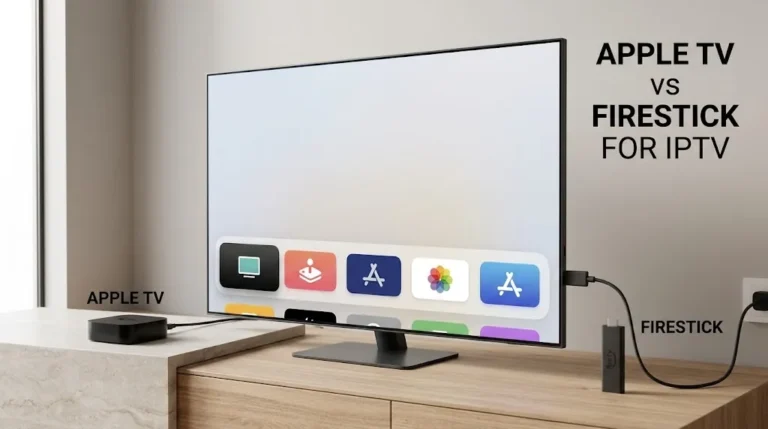
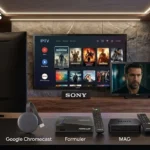
[…] Both run Android-based systems, but they get their apps differently. A certified Android TV box uses the Google Play Store. Fire TV uses the Amazon Appstore, and Amazon’s newer Vega OS models accept apps only from that store. If you are weighing the two, the model-by-model system split is on the Fire TV Stick page. […]