
Before anything else, check whether an Android box is certified, because that tells you more than its RAM or its 4K label. For a Maryland household shopping for the best Android box for IPTV, the same two words cover devices that Google has tested, dedicated IPTV boxes built on their Android systems, and cheap generic boxes that match the profile in a 2025 FBI warning.
This page is part of the IPTV devices guide and covers one decision: which kind of Android box fits IPTV use and how to check one before it goes on your home network.
Affiliate disclosure and reader discount: This page contains affiliate links, including links to Mecool’s official store. If you buy through them, marylandiptv.com may earn a commission at no extra cost to you. Mecool’s affiliate program also gives our readers 10% off with the code IPTVAUSSIE at checkout. Device details on this page come from manufacturers’ own specifications, not from the commission, and every device here is held to the same certification check.
There is no single best Android box for IPTV for every viewer, because the type of box decides first. Certified Android TV and Google TV devices have passed Google’s compatibility testing. Dedicated IPTV boxes vary by model. Generic, uncertified boxes match the profile the FBI warned about in its 2025 BADBOX 2.0 announcement. Check a box against Google’s list of certified devices before you buy it.
Before Choosing the Best Android Box for IPTV: One Name, Three Kinds of Box
Yes, you can watch IPTV on an Android box. Like any streaming device, it needs a player app to open the source you supply, and the player is a separate piece of software with its own developer. What differs between boxes is everything around that player: who tested the system, where its apps come from, and whether it receives updates.
Certified Android TV and Google TV Devices
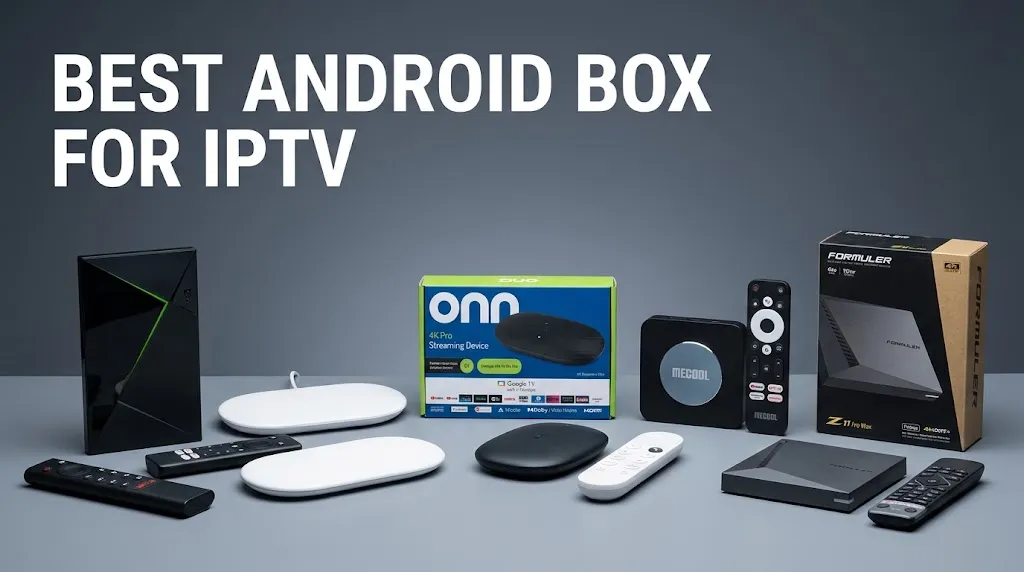
These run Android TV OS, Google’s licensed system for televisions, sometimes with the Google TV interface on top. Their manufacturers put them through Google’s certification, and they ship with the Google Play Store. NVIDIA’s Shield TV, Google’s own TV Streamer and Walmart’s onn 4K Pro are all sold this way.
Dedicated IPTV Boxes
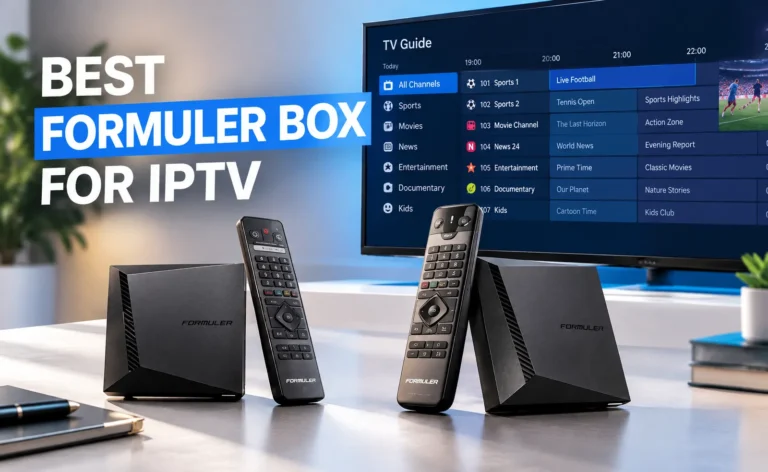
These are built mainly for live TV, often with the manufacturer’s own player preinstalled. Formuler’s boxes ship with its MyTVOnline app, for example. They run Android, but certification varies by model. Some are built on Android Open Source Project (AOSP) code rather than licensed Android TV, so check the specific model rather than the brand.
Generic Android Boxes Built on AOSP
These are low-cost boxes, often sold under model codes rather than recognizable brand names. They usually run an unlicensed AOSP build without Google’s certification. This is the category the FBI’s warning describes.
Why Certification Matters for an IPTV Box
Certification does not mean a box is the right one for you. It means Google holds a record that the device passed Android compatibility testing. That record is what the warnings below turn on.
What the FBI’s BADBOX 2.0 Warning Says
On June 5, 2025, the FBI issued a public service announcement about the BADBOX 2.0 botnet, naming TV streaming devices among the affected products. According to the FBI, criminals gain access to home networks in two ways: the device is set up with malicious software before you buy it, or it is infected through required apps with backdoors, usually downloaded during setup. The FBI lists possible indicators, including:
- generic TV streaming devices advertised as unlocked or able to access free content
- devices from unrecognizable brands
- Android devices that are not Play Protect certified
- devices that require Google Play Protect settings to be disabled
- app marketplaces of unknown origin
The FBI also notes that an indicator alone does not prove malicious activity. A box marketed as “fully loaded” with free content fits several of those indicators at once. The warning signs for those listings are covered on the IPTV scams page.
What Google Says an Uncertified Device Lacks
On its certification help page, Google explains that it holds no record of compatibility test results for an uncertified device. It adds that such a device may not be secure, may not receive Android system or app updates, and may run Google apps that are not licensed.
How to Verify an Android Box Before and After You Buy
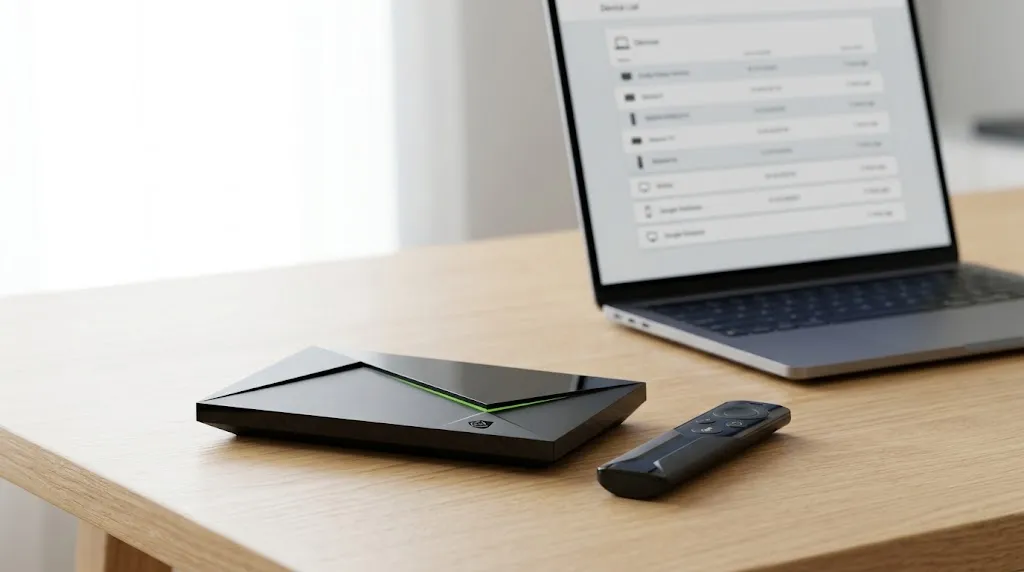
Before You Buy: Google’s List of Certified Devices
- Find the exact model name. Use the full name and number from the listing, not just the brand.
What you should see: something specific, such as a model number, not only “Android TV Box 4K”. - Open Google’s list of supported devices. Google states that only Play Protect certified devices appear on it.
- Search the list for the brand, then the model. Devices are sorted by manufacturer name.
What you should see: the manufacturer and the model on one row. - Treat a missing model as uncertified. Google says that if a device is not listed, it may be newly released or may not work with Google Play. If it is new, ask the manufacturer before buying.
After You Buy: The Check in Settings
Google describes a second check on the device itself: open the Play Store, go to its Settings, then About, and read the Play Protect certification line.
What you should see: a line stating that the device is certified.
If a Box You Already Own Fails the Check
A failed check is not proof of infection, but it removes the record Google uses to vouch for the device. The FBI advises assessing devices on the home network for suspicious activity and considering disconnecting suspicious ones. If you believe a device was used to get into your network, the FBI asks you to report it at ic3.gov.
Hardware That Matters for IPTV Use
Some listings and search summaries give fixed minimums, such as a set amount of RAM or a Gigabit port. Those figures rarely come with a source, and this page does not adopt any. What you can compare is what each manufacturer lists. Storage holds every app you install and the data each keeps, such as program guides.
The Ethernet port’s rated speed is listed separately from Wi-Fi. The Android version matters if a player’s developer states a minimum. How much capacity a stream needs on a Maryland connection is covered in IPTV internet speed in Maryland.
Android Boxes to Consider, by Type
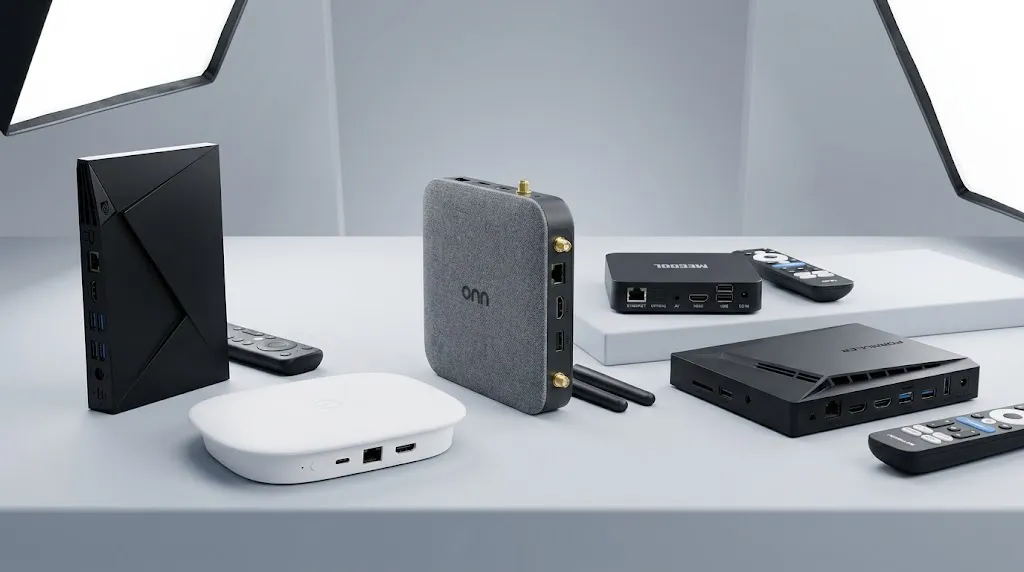
The devices below are grouped by type and listed with what their manufacturers state. They are not ranked. Before buying any of them, run the list check above on the exact model.
NVIDIA Shield TV Pro
- Consider it if: you want a certified box with a Gigabit Ethernet port and USB ports for storage.
- System: Android 11, powered by Android TV, per NVIDIA’s product listing. It is an Android TV device, not a Google TV device.
- Hardware: NVIDIA Tegra X1+ processor, 3 GB RAM, 16 GB storage.
- Network: 802.11ac Wi-Fi and Gigabit Ethernet.
- Keep in mind: the Tegra X1+ processor dates from 2019.
Google TV Streamer
- Consider it if: you want Google’s own device with a long, stated update window.
- System: Android TV OS with the Google TV interface, per Google’s specifications page.
- Hardware: 4 GB RAM, 32 GB storage.
- Network: 802.11ac Wi-Fi and Ethernet up to 1000 Mbps.
- Keep in mind: Google states that it receives security updates for at least five years from when it was first sold on the US Google Store.
onn 4K Pro
- Consider it if: you want a Google TV box with an Ethernet port at a lower price than the two above.
- System: Google TV, per Walmart’s listing for the 2026 model.
- Hardware: 3 GB RAM, 32 GB storage.
- Network: Wi-Fi 6 and an Ethernet port. 9to5Google reports that the port is limited to 100 Mbps.
- Keep in mind: Walmart sells a 2024 and a 2026 model under the same name. 9to5Google reports that the 2026 model’s USB-A port moved from USB 3.0 to USB 2.0, so check the year on the listing.
Mecool KM2 Plus
- Consider it if: you want a compact certified box with the Android TV interface, bought directly from the manufacturer.
- System: Android TV 11. Mecool’s product page describes it as Google-certified and certified for Netflix and Prime Video.
- Hardware: Amlogic S905X4-B quad-core processor up to 2.0 GHz, 2 GB RAM, 16 GB storage.
- Network: dual-band Wi-Fi 5 (2.4 and 5 GHz) and 10/100 Mbps Ethernet.
- Built in: Google Assistant voice remote and Chromecast.
- Buying from Mecool: Mecool’s store states that orders ship from Shenzhen, China, with delivery taking 3 to 45 business days depending on location, and a one-year warranty against defects. Availability changes by region, so select the US plug option and confirm the box is in stock before ordering.
- Keep in mind: Mecool sells several models with similar names, including the KM2, KM2 Plus and KM2 Plus Deluxe. Run the list check on the exact model you ordered.
- Listing: Mecool KM2 Plus on Mecool’s store
- Reader discount: 10% off with the code IPTVAUSSIE at checkout.
Formuler Z11 Pro Max
- Consider it if: you want a dedicated IPTV box with the manufacturer’s own player preinstalled.
- System: Android 11, per Formuler’s product page, with the MyTVOnline 3 app.
- Hardware: 4 GB RAM, 32 GB storage.
- Network: Wi-Fi 6 (AX) and a Gigabit Ethernet port.
- Keep in mind: Formuler’s page does not describe the box as Google-certified Android TV, and Lupa.cz’s review describes its system as AOSP Android 11. That does not make it unsafe. It means that, unless the model appears on Google’s list, Google holds no compatibility record for it.
How They Compare
| Type | System | RAM / storage | Ethernet | |
|---|---|---|---|---|
| NVIDIA Shield TV Pro | Certified | Android TV 11 | 3 GB / 16 GB | Gigabit |
| Google TV Streamer | Certified | Android TV OS (Google TV) | 4 GB / 32 GB | Up to 1000 Mbps |
| onn 4K Pro (2026) | Certified | Google TV | 3 GB / 32 GB | 100 Mbps (reported) |
| Mecool KM2 Plus | Certified (per Mecool) | Android TV 11 | 2 GB / 16 GB | 10/100 Mbps |
| Formuler Z11 Pro Max | Dedicated IPTV | Android 11 | 4 GB / 32 GB | Gigabit |
Android Box or Fire TV?
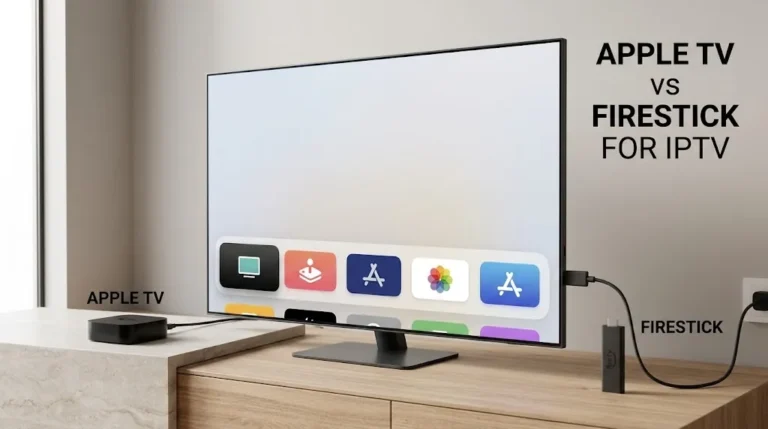
Both run Android-based systems, but they get their apps differently. A certified Android TV box uses the Google Play Store. Fire TV uses the Amazon Appstore, and Amazon’s newer Vega OS models accept apps only from that store. If you are weighing the two, the model-by-model system split is on the Fire TV Stick page.
Whether streaming a given source is lawful is a separate question from the device. It is covered in Is IPTV Legal and in the site’s disclaimer.
Choosing the Best Android Box for IPTV: Before You Buy
The best Android box for IPTV is one you can verify before it joins your home network. Run through this before you buy:
- ☐ I have the exact model name, not just the brand.
- ☐ That model appears on Google’s list of certified devices, or I know why it does not.
- ☐ The listing does not promise free channels or an “unlocked” or “fully loaded” box.
- ☐ Setup will not ask me to disable Google Play Protect.
- ☐ I have checked the Ethernet port’s rated speed and the storage against my plans.
For other device families, return to the IPTV devices guide. If a model detail on this page no longer matches the manufacturer’s listing, let us know.
Sources
- FBI / IC3 — Home Internet Connected Devices Facilitate Criminal Activity (I-060525-PSA) — https://www.ic3.gov/PSA/2025/PSA250605
- Google — Check and fix Play Protect certification status — https://support.google.com/android/answer/10248227?hl=en
- Google — Google Play supported devices — https://support.google.com/googleplay/answer/1727131
- Google Store — Google TV Streamer tech specs — https://store.google.com/product/google_tv_streamer_specs?hl=en-US
- Walmart — onn 4K Pro (2026 model) — https://www.walmart.com/ip/4K-PRO-STREAMING/18382213962
- Formuler — Z11 Pro Max — https://www.formuler.tv/z11promax
- Lupa.cz — Formuler Z11 review (secondary) — https://www.lupa.cz/clanky/televizni-boxy-pro-narocnejsi-novinky-od-znacky-formuler/