
Choosing the best smart TV for IPTV comes down to one line on the spec sheet that most buyers skip: the operating system. Two TVs from the same brand, even from the same series, can run different systems with different app stores, and the app store decides which IPTV player you can install.
If you are shopping in a Maryland electronics aisle with a playlist or login from your service in hand, this guide shows you what to check before you pay. It sits inside our IPTV devices section, which covers every device family; this page is only about choosing the TV.
Best smart TV for IPTV: three smart TVs showing different operating system home screens
Three TVs can look alike on the shelf and still run different operating systems, each with its own app store.
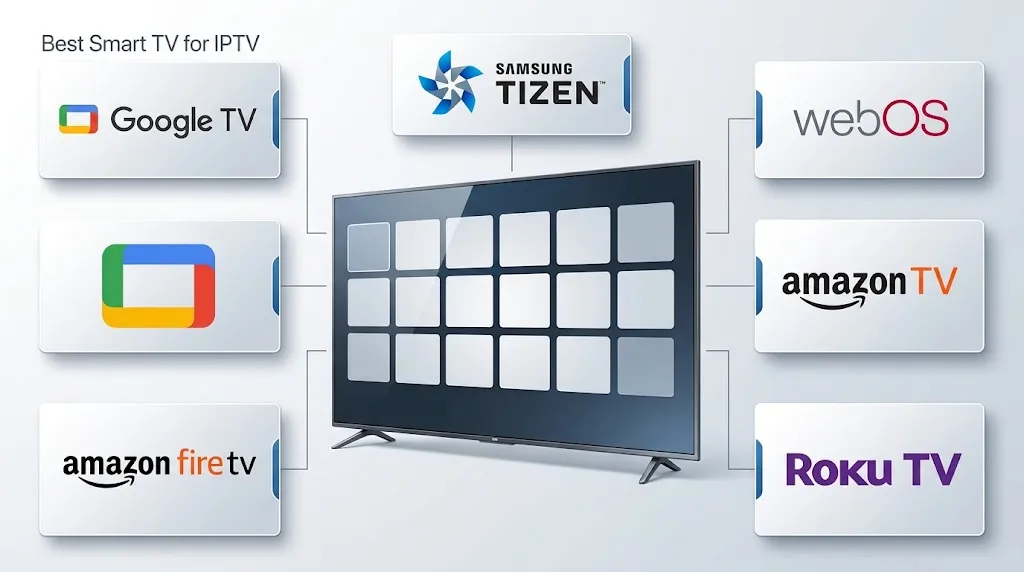
The best smart TV for IPTV is one whose operating system offers the player app your service supports. Google TV and Android TV models install apps from Google Play, Samsung Tizen and LG webOS use their own stores, and Fire TV and Roku TVs follow their own platform rules. Check the exact model’s operating system and app store before buying, not the brand.
The Best Smart TV for IPTV Starts With the Operating System
The brand on the front of a TV does not tell you which apps it can install. The operating system does. It decides which app store the TV opens, and the store decides which player apps you can find.
One thing no TV changes: a TV supplies no channels, and neither does a player app. Whether a source is lawful is covered on our page about whether IPTV is legal, and our DMCA and disclaimer page explains what this site does and does not do.
Which Smart TV Fits Your Situation
A Google TV or Android TV model fits when your player app is published for Android TV and you want to install it on the TV itself. Make sure the TV is not set up as a basic TV.
A Samsung (Tizen) or LG (webOS) TV fits when the player app your service supports is listed in that TV’s own app store. Check the store before you buy, not after.
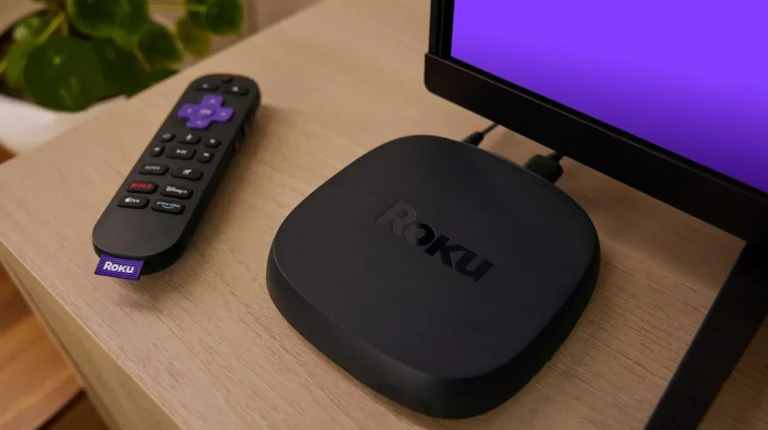
An external streaming device fits when the TV you already own does not list your player app, or when its operating system is no longer being upgraded. It adds a different app store without replacing the screen.
Same Series Name, Two Operating Systems
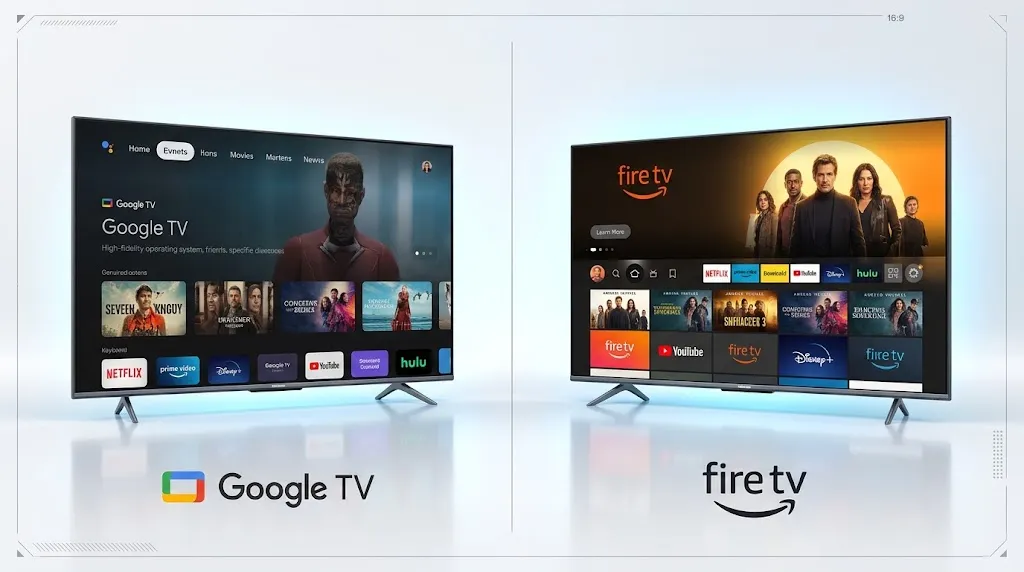
Hisense’s own US site lists the U7 Series in a Google TV version and a Fire TV version, alongside separate Roku TV models. Tech press has reported the same pattern at TCL, which launched a Fire TV range in the US while also selling Roku TV and Google TV models.
In a store, the series name on the shelf tag may be all you notice. The full model code and the operating system line are what you compare.
What the Store on the TV Decides
Each operating system opens its own app store. A player app appears in that store only if its developer has published a version for that system. Sony states that its Google TV and Android TV models can download apps from the Google Play Store, while its other smart TVs come with pre-installed apps only.
Three Questions to Answer Before You Buy
Answer these in order. Each one narrows the list before you look at screen size or price.
1. How Does Your Service Deliver Channels?
Your service hands you one of three things:
- An M3U playlist address. A link to a channel list.
- An Xtream Codes login. A server address, a username and a password.
- A portal address. Used by set-top boxes built around a portal, such as MAG boxes.
Check in your service’s instructions: which of the three it issues. A player app on the TV has to accept that method, so this answer decides what you search for in question 2.
2. Which App Store Does the TV Run?
- Read the full model code on the shelf card, not just the series name.
- Find the operating system line on the same card or on the box.
- If a display unit is on, open its app store and search for the player app your service supports.
What you should see: the player app listed in that TV’s own store. If you are still choosing a player, our guide to IPTV player apps explains what each type does.
Shopper comparing a smart TV’s shelf spec card with its retail box to confirm the model and operating system
Match the full model code on the shelf card to the one on the box, then find the operating system line on both. The series name alone does not settle it.
3. How Long Will the Operating System Be Upgraded?
An app store only helps while your TV still receives upgrades.
Samsung: Samsung states that Tizen OS upgrades apply to TVs released from 2023 onward, for up to seven years from the launch year, and that support may vary by model, region and launch year. Samsung also states that the upgrade does not cover hardware-related performance.
LG: LG states that its webOS Re:New Program supports four upgrades over five years. When LG announced the program in the US in January 2024, it named specific models: its 2022 OLED lineup and its 2022 QNED Mini LED 8K series.
Check before you count on future upgrades: whether the exact model you are buying is covered. For other systems, look for the manufacturer’s own support statement for that model.
What Each TV Operating System Means for IPTV
| Operating system | App store | What the documentation says | Fits when |
|---|---|---|---|
| Google TV / Android TV | Google Play | Sony states its Google TV and Android TV models download apps from Google Play | Your player app is on Google Play for TV |
| Samsung Tizen | Samsung’s own store | Samsung describes a TV app as a web application built for Tizen | Your player app is listed in Samsung’s store |
| LG webOS | LG’s own store | LG describes packaged and hosted web apps | Your player app is listed in LG’s store |
| Fire TV smart TV | Amazon Appstore | Amazon lists specific 2026 models on Fire OS 14 | Your player app is in the Appstore for that model |
| Roku TV | Roku’s store | Roku’s own platform rules apply | You have checked Roku’s rules first |
Google TV and Android TV
Sony, Hisense and TCL all sell Google TV models in the US. Google TV is the current interface; Android TV is what older models run. Sony’s support pages describe both as able to install apps from Google Play.
This is the family Android TV players are built for. TiviMate’s developer, for example, designs it for Android TV and remote-control navigation; our TiviMate page documents what the developer states about it.
The “Basic TV” Exception
Sony states that a Google TV set up as a basic TV offers only its pre-installed apps. A TV that can run Google Play apps may therefore not show the store at all.
What you should see: a Google Play Store entry in the TV’s Apps tab. If it is missing, the TV may have been set up as a basic TV, and Sony’s app support article explains the options.
Samsung Tizen
Samsung’s developer documentation describes a Samsung TV app as a web application built for Tizen. A player reaches a Samsung TV only through Samsung’s own store. TiviMate’s developer designs it for Android TV, and the developer’s declared platform support does not include Tizen.
Some player apps are published for Tizen; check that yours is one of them before you buy. Install steps are on our page about setting up IPTV on a Samsung TV.
LG webOS
LG’s webOS TV developer documentation describes its apps as packaged or hosted web apps. TiviMate’s declared platform support does not include webOS either. The same rule applies: confirm your player app is listed in LG’s store, then follow our guide to installing IPTV on an LG TV.
Fire TV Smart TVs
Amazon’s developer documentation lists two specific 2026 Fire TV smart TVs, the Hisense U7 and the TCL QM64L, on Fire OS 14. Fire TV Sticks are a different case: Amazon states that starting with the Fire TV Stick 4K Select, all future Fire TV Sticks will run Vega OS.
The Fire TV name alone does not tell you which operating system a device runs; the model does. If you are weighing a stick instead, our guide to choosing a Fire TV stick covers the models one by one.
Roku TV
Hisense and TCL both sell Roku TV models. Roku runs its own platform with its own rules about what can be added. Before buying a Roku TV for IPTV, read how IPTV works on Roku.
Smart TV Alone, or Smart TV Plus a Box?
When the TV’s Own Apps Are Enough
The TV alone works when all three questions came back clean: your service’s login method is supported, your player app is in the TV’s store, and the model is covered by an upgrade program. One remote, one device, nothing extra behind the screen.
When an External Device Makes More Sense
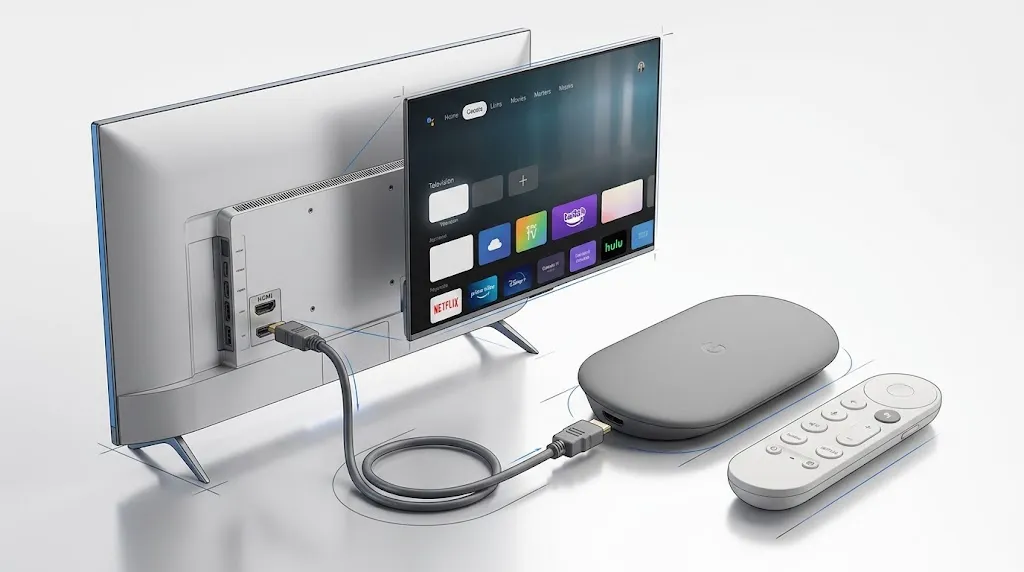
An external device makes more sense when the TV you own, or the one you like, fails any of the three questions. It connects over HDMI and brings its own operating system and app store. The screen stays.
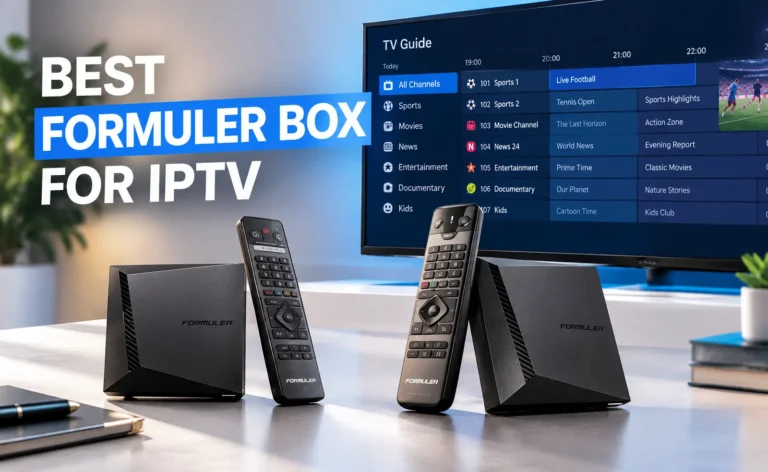
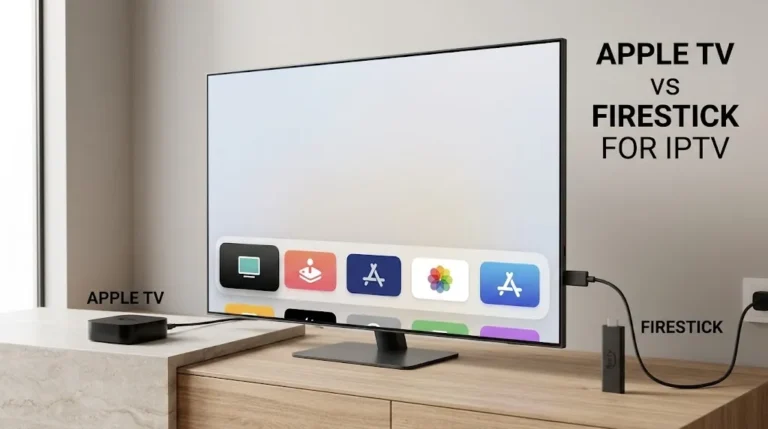
The options are covered on their own pages: Android TV boxes, Fire TV sticks, and Apple TV compared with Firestick. If you are looking for a Google TV dongle, note that Google has stopped selling the Chromecast with Google TV; the Google TV Streamer replaced it.
External streaming device connected to a smart TV over HDMI on a media console
An external streaming device brings its own operating system and app store without replacing the screen.
Check Before You Pay
Run this list at the shelf or on the retailer’s product page:
- Model code: the full code on the shelf card matches the one on the box.
- Operating system: you have read the system line on both.
- Player app: you found it in that system’s app store.
- Login method: the app accepts what your service issues (M3U, Xtream Codes or a portal address).
- Upgrades: the manufacturer’s upgrade program covers that exact model.
- Google TV only: the Play Store shows on the display unit, so the TV is not running as a basic TV.
What you should see: a clear answer to all six before checkout. A single “not sure” is a reason to check again, or to plan for an external device.
Choosing the Best Smart TV for IPTV
The best smart TV for IPTV is the one whose operating system lists your player app and accepts your service’s login method, on a model that will keep receiving upgrades. Brand and series name come second, because the same series can ship with two different systems. Once the TV is home, our IPTV setup guides take you through installation, and the IPTV devices section covers every other way to get IPTV onto a screen. If something here does not match what you see in the store, tell us through the contact page.
Sources
- Hisense USA — 70″ to 75″ televisions
- Sony — BRAVIA TV apps: how to install, update and troubleshoot
- Tizen Docs — Create Your First Samsung Smart TV Web Application
- LG webOS TV Developer — Web App Types
- Amazon Developer — Fire TV Smart TV device specifications (NA)
- Amazon Developer — Fire TV
- Samsung UK — Smart TV apps and One UI Tizen
- LG — webOS Re:New Program
- LG US — webOS Re:New press release, CES 2024